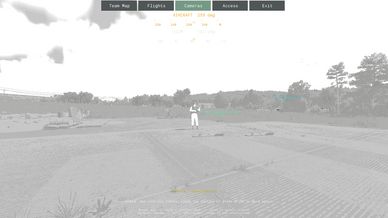
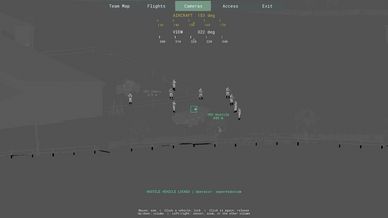
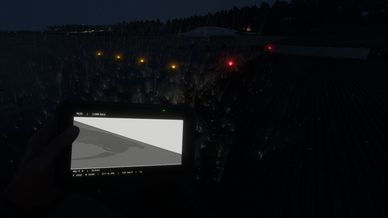
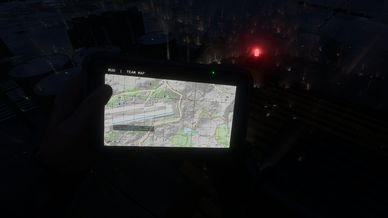
Summary
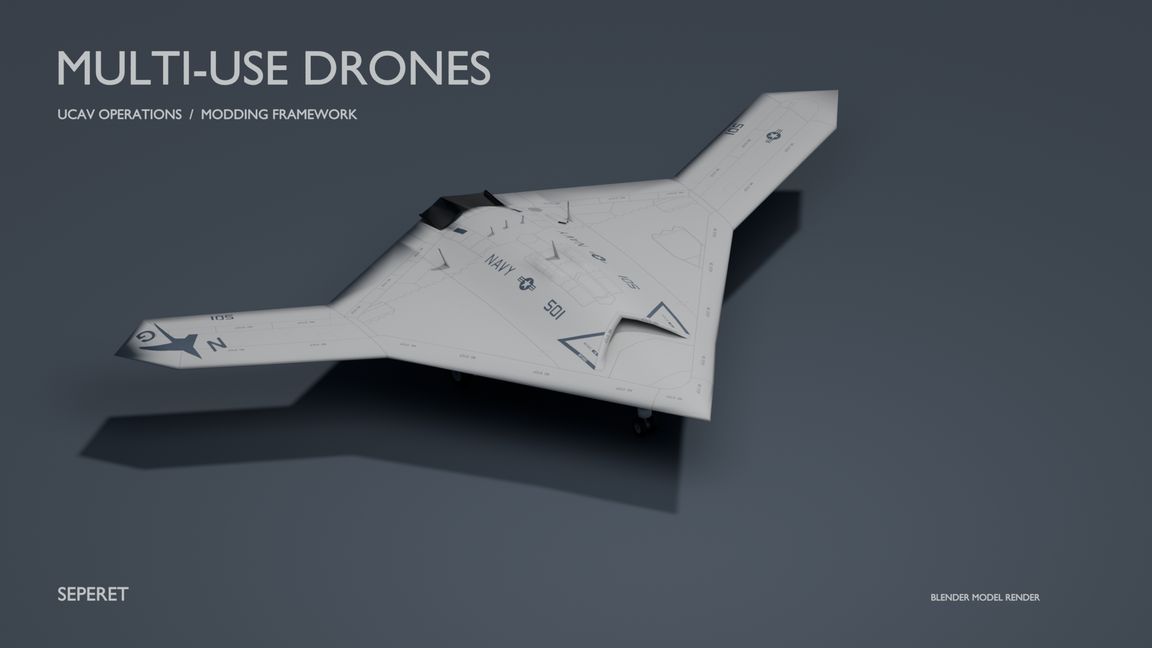
Autonomous drones - armed and unarmed.
Laser Designator - arsenal and Game Master.
MUD Tablet - arsenal and Game Master.
MUD Command Desk - HQ tent and Game Master.
All spawn-able by GM.
Description
- Plan missions, share live feeds and follow aircraft on the team map.
- Set waypoints, orbits, attack runs, escort tasks and alternate runways.
- Operate from a desk or tablet, with keyboard/mouse and controller support.
- Designate targets for boxing with laser designator.
- Armed MQ-9 Reaper, unarmed X-47B, with automatic takeoff, terrain avoidance, and recovery.

HOW TO USE

REQUIRES
- vPad, HCA_RadUI and WCS Armaments. No RHS or Thermal Postprocess.
- Conflict supplies fund stations, aircraft and rearming. Check scenario prices.

GET STARTED
- Build a MUD station at your base or place it in Game Master. Deploy a drone onto a clear runway, or place one in GM.
- Use the desk or a MUD Tablet from the arsenal. Select an aircraft and claim flight management on Access.
- Managers grant/revoke planning access; friendly teammates can watch without taking control.

TABLET
- PC: Ctrl+Alt+T equips/stows; Ctrl+T opens fullscreen.
- Controller: D-pad Up + X/Square equips/stows; double-tap RB/R1 opens fullscreen.
- LB/RB cycles apps. B/Circle/Esc goes back; Exit returns to gameplay.
- Passengers can watch in transit. Drivers/turret operators must leave their control seat.
- Equipment hints show bindings; rebind in Settings.

PLAN AND FLY
- Set waypoint/orbit, altitude, speed and radius, then save. Altitude is above sea level, up to 6,000 m.
- Launch from a long, clear runway; gear operates automatically.
- Save Departure plus two alternate runways, even while parked. A is touchdown; B is the brake/stop point. Select a runway for return. Alternates survive landing for that aircraft's current session.
- Terrain protection may climb above your setting or circle. Amber TERRAIN CLIMB/CLEARANCE and go-around reasons explain adjustments. Mountain approaches still need manoeuvring room.
- Watch JOKER/BINGO and fuel reserves; low fuel can trigger return.

CAMERAS
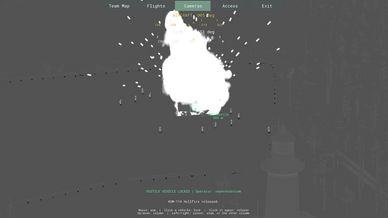
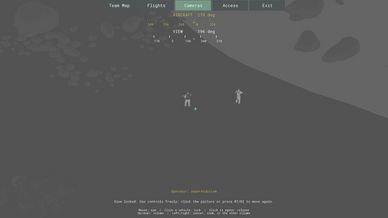
- Choose Forward, Rear or Free-look. Mouse wheel or LT/L2 zooms. Vision cycles Day, green NV, white-hot and black-hot; adjust gain/contrast as needed.
- Click empty picture or tap RT/R2 to hold/release aim. Ctrl+S or a short L3 press toggles stabilization.
- Click a vehicle box to track. Hold RT/R2 near a box, hold L3 or press Ctrl+B for inline selection. D-pad/arrows cycle; A/Cross confirms; B/Circle cancels.
- Escort follows friendlies and orbits when they slow/stop. Friendly tracked vehicles remain fire-blocked.
- Use D-pad navigation or the left-stick cursor. Aircraft tabs and Previous/Next feed switch drones.

LASER DESIGNATOR
- Equip from the arsenal/GM. Right-click toggles the beam on PC; RT/R2 is the default controller gadget activation.
- Aim with the beam on; X on PC or X/Square on controller designates.
- Faction marks appear on maps and as camera LASER boxes. Select to aim; fire separately.
- Marks stay for the session unless deleted. They mark ground points, so designate again if a target moves.

MANUAL TAXI
- Parked with gear down: Engine on, then Taxi. Use Front/Rear camera.
- PC: W forward, A/D steer, S brake then reverse, Space brake.
- Controller: RT/R2 forward, left stick steer, LT/L2 brake then reverse, L3 brake.
- Stop taxi or Back ends driving. Menus, radio wheel or missing input apply brakes. Align and stop before Launch.

WEAPONS AND SERVICE
- MQ-9 starts with eight Hellfires; an empty variant is available. X-47B is unarmed.
- Park and load one station at a time from either wing using compatible nearby support or carried missiles. Mix available types within station limits; check prices.
- Free-look: lock a ground point, enemy vehicle or LASER mark. Fire: Ctrl+Space, or hold X/Square + RT/R2. Off-angle guidance still obeys range/access/safety checks.
- Strike log records release/impact telemetry, not video.
- Lost link: continue, hold or return. Leaving Cameras for Flights keeps the link.
- Refuel/repair/rearm near friendly support. Aircraft context actions include 180-degree turnaround and eligible supply refunds through Decommission.
- Camera visibility depends on engine/server streaming; distant high-altitude detail is not guaranteed.

3D MODEL CREDITS

- X-47B - Yakudami
https://sketchfab.com/3d-models/northrop-grumman-x-47b-8d5fa8ab10ba4b8486d40248eeb9332d
- MQ-9 - IProZenoN
https://sketchfab.com/3d-models/mq-9-fabe963feb354c5584b51f9c470c3f7e
- PC Setup - Melon Polygons
https://sketchfab.com/3d-models/pc-setup-game-ready-4126abfe9895488181dbde961e836788
- Laser Pointer - Luke.G
https://sketchfab.com/3d-models/laser-pointer-59bc0d18000c486db6de035665e3c607
- MQ-1 sensor/rails - KojfDiscord
https://sketchfab.com/3d-models/mq-1-uav-war-thunder-e1dae2a2b28e484c96560fda71a03f58

Models: CC BY 4.0, https://creativecommons.org/licenses/by/4.0/
Full notices: Docs/CREDITS.txt.
Framework/integration: denv3r77/denv3rr77, APL-SA. Third-party assets retain their own terms. No artist/manufacturer/Bohemia endorsement implied.

YouTube: https://youtube.com/@denv3r77
Discord: denv3rr77
License
Arma Public License (APL)