Summary
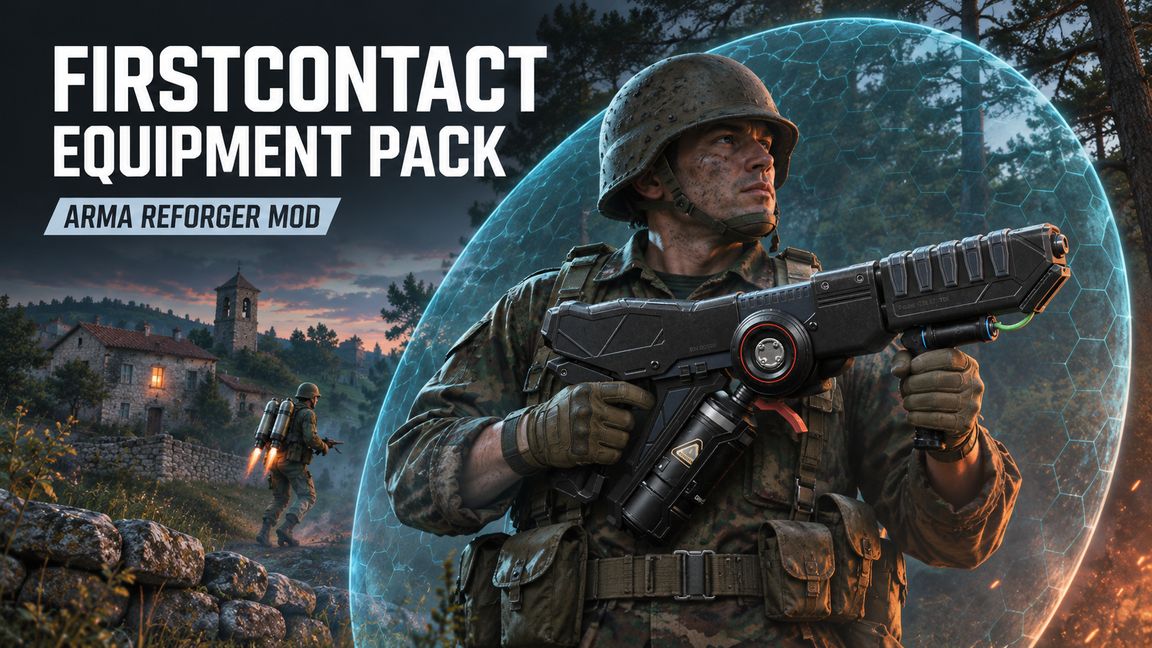
FIRST CONTACT SCIFI EQUIPMENT PACK
Description
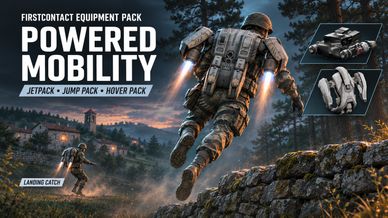
Release Jump to stop thrust; steer with normal movement controls.
Press J on PC to lock/unlock the current hover altitude.
Land to end flight.
The current build has no controller default for the separate altitude-lock action.
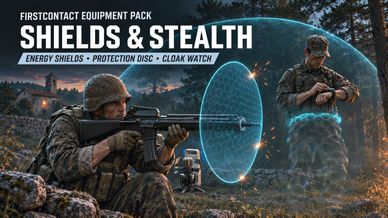
PERSONAL SHIELDS
Standard shield bag: 100 points. Tier 2 shield bag: 200 points. The Vanguard Shield Helmet also supplies a 100-point shield.
Equip compatible shield gear in its worn slot; protection activates automatically.
Spare items stored in cargo do not activate.
No activation button is needed. Recharge starts after five seconds without a protected hit.
Shield charge appears as a green extension beside the Vanguard health bar. Generators do not stack.
Shields absorb bullets, explosions, fragments and melee. Falls, fire, drowning and bleeding bypass them.
VANGUARD HELMET HUD
Wear the Vanguard Helmet or Vanguard Shield Helmet in Head Cover to activate the visor. It displays health, ammunition, pack name/fuel, compass, a circular map and squad information.
HUD activation is automatic; remove the helmet to switch it off.
R3/right-stick click toggles squad outlines during gameplay.
F7 for keyboard outline shortcut is assigned by default.
Outlines require the HUD helmet. Your on/off choice is remembered when re-equipping.
The shield helmet combines HUD, NVG and shield while leaving your backpack slot available for a flight bag.
The plain Vanguard helmet has HUD/NVG without a built-in shield.
SQUAD TRACKING
Blue outlines identify living player squadmates. Live blue dots show squad positions on the circular HUD map and the regular map; your own marker has a white centre.
Use your normal Map binding for the regular map.
The circular HUD map is automatic and covers a 350-metre radius.
R3 controls outlines only; map dots remain active.
R3 is reserved for outlines while wearing the HUD helmet. Its outline shortcut is inactive in menus and the regular map.
Tracking is for your player squad, not every friendly unit or AI group member.
FIVE-COLOR NIGHT VISION
White, green, amber, blue and red vision with seven brightness levels. Included on both Vanguard helmets, plus five standalone NVG-only helmets.
PC: N power, F6 next color, numpad + / - brightness.
Xbox: hold LB + RB, then tap D-pad Right for power, Left for color, Up/Down for brightness.
PlayStation: hold L1 + R1, then use the same D-pad directions.
Hold both shoulders first, then tap a direction.
NVG starts OFF and switches off when the helmet is removed or the controlled character changes.
Rebind NVG controls under Settings > Controls > Independent Night Vision.
FUEL AND REFUELING
All three flight bags use fuel and warn the wearer with low-fuel beeps. The Vanguard HUD shows a shorter fuel bar above health when a flight bag is equipped.
Carry a filled jerrycan and land before refueling.
PC: hold Home to refill the worn pack.
Controller: put the pack on the ground and use its displayed Refuel interaction while carrying the jerrycan.
The Home shortcut has no controller default in this build.
USE AND COMPATIBILITY
Equip one flight bag at a time. Normal movement and weapon controls remain in use. Item availability depends on the scenario’s arsenal and rank restrictions.
Load this combined add-on without also enabling the original pack, HUD, shield or IndependentNVG add-ons. Base game required.

For suggestions or to report bugs join discord here : https://discord.gg/wdrxZhmr4C
License
Arma Public License No Derivatives (APL-ND)