Summary
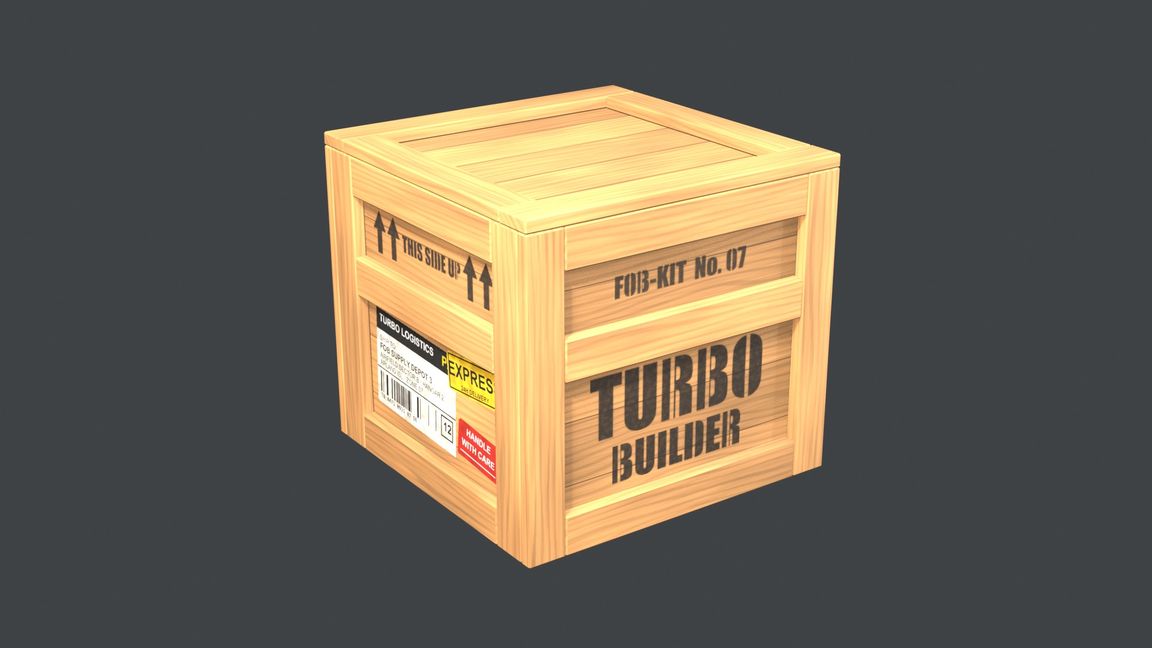
Survival base building: set up a FOB from a kit, store material, build freely, tilt and adjust height. Owner, members, takeover, upgrades, blueprints and saving.
Description
Base building for survival servers in Arma Reforger. Set up a FOB, store building material and build your position, freely placed, tilted and adjustable in height. Whoever is not a member has to take over the FOB first.

Features
• FOB from a kit: take the FOB kit in hand and place it like a mine. Whoever sets it up is the owner.
• Supplies from material: store planks, bricks and scrap metal at the FOB. Every building part costs supplies, tearing down refunds everything.
• Building in build mode: parts are finished instantly, no frame and no shovel.
• Free placement: adjust height, rotate and tilt. Parts can hang in the air, for example in front of a window.
• Blueprints: rare notebooks in the FOB's blueprint compartment unlock more building parts. Take them out and move them to another FOB at any time.
• Ownership and members: only owner and members may build. The owner adds fellow players.
• Takeover: strangers can take over a FOB in 60 seconds if they stand still.
• Upgrade: the build radius grows in stages from 10 to 15 to 20 meters. FOBs must not overlap.
• Dismantle: dismantle in 60 seconds with confirmation. Parts and supplies vanish, blueprints and the FOB kit are left.
• Saving: FOB, owner, members, blueprints, upgrade level, supplies and all building parts are kept with the save game.
• Workbench: craft items in its own window with a queue and output tray, power required. Ingredients from your inventory and the FOB's supply crates, recipes are set by the server admin.
• Tent: take the tent pack in hand and set it up, the tent works as storage for items and can be packed up again when empty.
• Code lock: lock map doors inside your own FOB with a 4-digit code, panel on both sides of the door, double doors included, LED red/green.
• Multiplayer ready: the server checks all rights.

How to
1. Take the FOB kit in hand and place it.
2. Put building material into your inventory and use "Store material" at the FOB.
3. "Build" opens the build mode. Left Alt + mouse or mouse wheel: height. Shift + mouse or mouse wheel: rotate. T: tilt (tap = switch axis, hold + mouse or mouse wheel = rotate, double tap = straight). Key can be rebound under Settings → Controls → TurboBuild.
4. Let a fellow player stand next to you and use "Add member".
5. With supplies, "Upgrade FOB" for more space.

For server admins
The mod does not spawn items. FOB kits, building material and blueprints belong into the loot tables. The scenario needs a building manager on the game mode (SCR_CampaignBuildingManagerComponent, already present in Conflict) and enabled vanilla persistence. The mod brings its building parts and the save rule for the FOB itself, updates need no reconfiguration.

Sounds (code lock, from freesound.org)
• Wrong code: "UI Interaction Error Beep - Ghost Metro Ticket" by TommasoMotteran, https://freesound.org/s/859155/ (CC0)
• Unlock: "Kalimba Notification" by Qvantor, https://freesound.org/s/879789/ (CC0)
• Lock: "sci-fi synthesized ui interface button click select modern futuristic crisp sharp satisfying game-audio menu" by dimapain, https://freesound.org/s/862280/ (CC BY 4.0, trimmed and converted to mono)
License
Arma Public License (APL)