Summary
Paint campaign territories and bring your map to life with configurable military patrols, checkpoints, civilian activity and cargo traffic.
Description
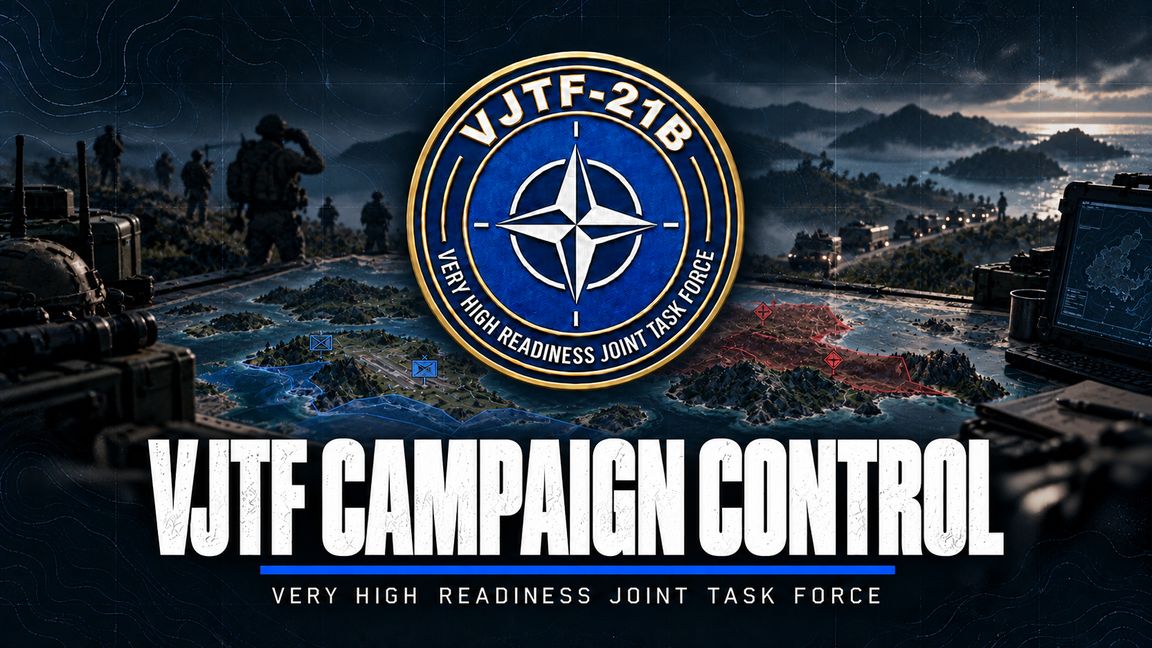
VJTF Campaign Control

Build a living campaign across your map. Mark friendly, enemy and neutral territory, choose the factions that inhabit it, and control the military and civilian activity around your players.

Territory control

- Blue, red and transparent neutral territory on the normal in-game map.
- Administrator-controlled grid painting: click to cycle colours, or hold and drag to paint.
- Optional automatic capture after 15 seconds of uncontested military occupation, including neutral territory.
- Per-world saving of territory, faction selections and campaign settings.
- Helicopters and civilians excluded from territory capture.

Military activity

- Walking infantry patrols, road vehicle patrols and rare armour.
- Roadblocks/checkpoints and other guarded compositions where compatible terrain slots exist.
- Separate blue, red and neutral population limits, plus overall military limits.
- Friendly spawn-point guards and ambient cargo trucks travelling between eligible sites.
- Cargo defaults: one blue delivery truck, one red delivery truck, neutral deliveries disabled. All remain subject to available routes and budgets.
- Vehicle crewmen reserved for armoured driver/gunner stations; pilots excluded from ground crews.
- Suitable military and industrial interiors can be used for infantry spawning.

Civilian life

- Independent civilian people, pedestrian-group and traffic-vehicle limits.
- Individual settlement wandering, pauses and civilian road traffic.
- Civilian-only vehicle selection, without military vehicle substitution.
- Residential/commercial indoor spawning where navigation supports it.
- Recognised military-site exclusions, with civilian gunfire escape behaviour for campaign pedestrians.

Server and Game Master control

Configure faction selections, automatic capture and population limits through Scenario Properties. Modded factions can be used when they provide suitable registered assets. Manual territory editing requires server administrator/session administrator permission; Game Master status alone does not grant it.

Population is managed near deployed ground players. Helicopter occupants do not activate proximity spawns. Campaign cleanup tracks its own spawned population and protects independently GM-placed units, including externally added group members and occupants.

Quick start

1. Enable the addon on your server and clients, then start a Game Master scenario.
2. As an administrator, select the blue/red/neutral factions in Scenario Properties and set your population limits.
3. Open the normal map and select Territory overlay from the left toolbar.
4. Click squares to cycle red > blue > neutral, or hold left mouse to paint several squares.
5. Deploy a ground character near a populated area. For civilians, select a civilian faction for the relevant land territory. Enable Automatic territory capture if you want ownership to change through play.

Requirements: Arma Reforger base game. VJTF Core and Ambient Civilians are not required. Custom terrains and factions need their own addons. Composition spawning depends on suitable terrain slots.

This saves territory and settings, not the full mission's spawned AI state across server restarts.

First-release status

Initial public test release. Known limitations include stalled routes after territory changes, a shared 64-group tracking ceiling at high population settings, settlement-centre restrictions for civilian spawns, and missed squares during extremely fast/long paint strokes. The latest gunfire-escape behaviour still requires native runtime verification. See the included instructions and audit notes before deploying to a live campaign.

Licence

Copyright (c) 2026 VJTF. All rights reserved. You may use the official published addon for personal play and community servers. No reuploads, repacks, redistribution, publication of modified versions or reuse of original code/artwork in another addon without prior permission from VJTF. No permission to sell the addon or its original content is granted. Third-party content remains subject to its respective owners' licences. See LICENSE.txt for full wording.

Community and support

Have questions about any VJTF mod, or interested in joining our milsim unit? Join the VJTF Discord: https://discord.gg/BBuMszX5D.
License
Arma Public License (APL)