Summary
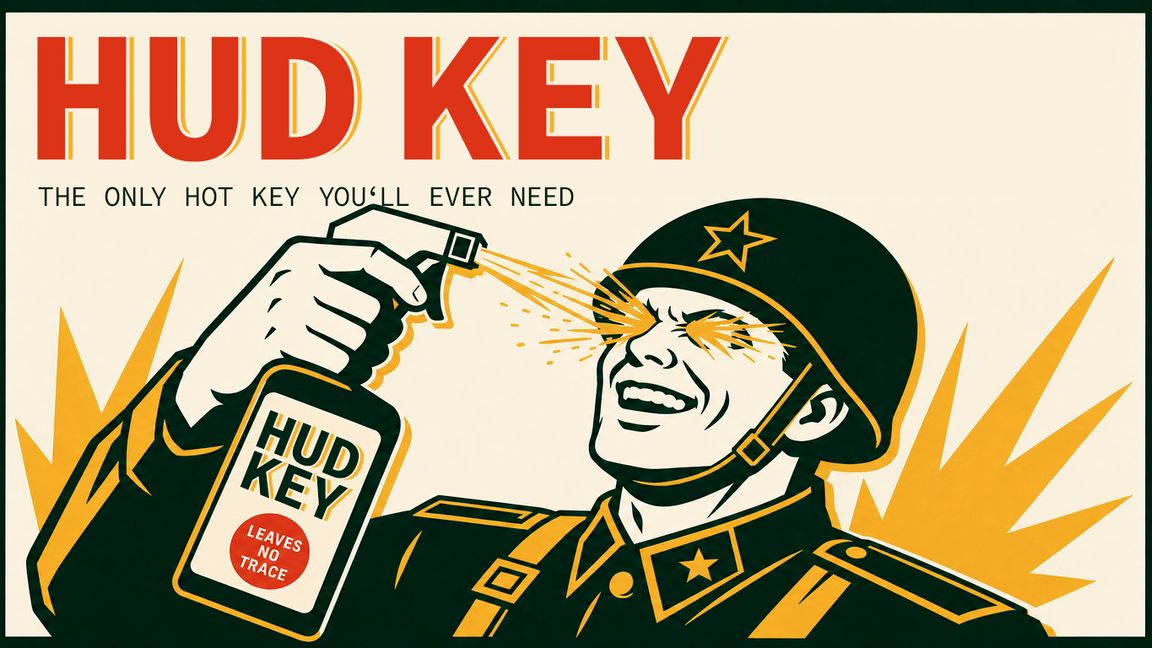
The only hot key you need. Your interface, hidden until you ask for it.
Description
HUD Key hides your interface and gives it back on demand.

By default the screen is clean. No nametags, no notifications, no weapon or vehicle readouts, no chat, no FPS or server info. Hold the HUD key to bring it back for as long as you hold it.

Double-tap to lock it on screen, double-tap again to clear it.
Nothing is toggled permanently and your Interface settings are never modified.

Anything you have set to "Hide" in Settings > Interface stays hidden; the HUD key only reveals what you already chose to see.

CONTROLS
Hold H: show the interface while held
Double-tap H: lock it on screen / release it
Gamepad: hold View + A, double-tap View + A

Both are rebindable under Settings > Controls > HUD Key, on PC and console alike.

WHAT STAYS VISIBLE
Interaction prompts and radial menus are never touched. You can always see what you are aiming at and what you can interact with. Weapon slot indicators also stay, since on a controller they are often the only cue for which slot is selected.

NOTES
- Replaces the vanilla hint toggle.
- A one-time message on your first spawn explains the key, so a hidden interface does not read as a broken game.

CREDITS
Includes the Source Code Pro typeface by Adobe, used under the SIL Open Font License 1.1.
License
Arma Public License (APL)