Summary
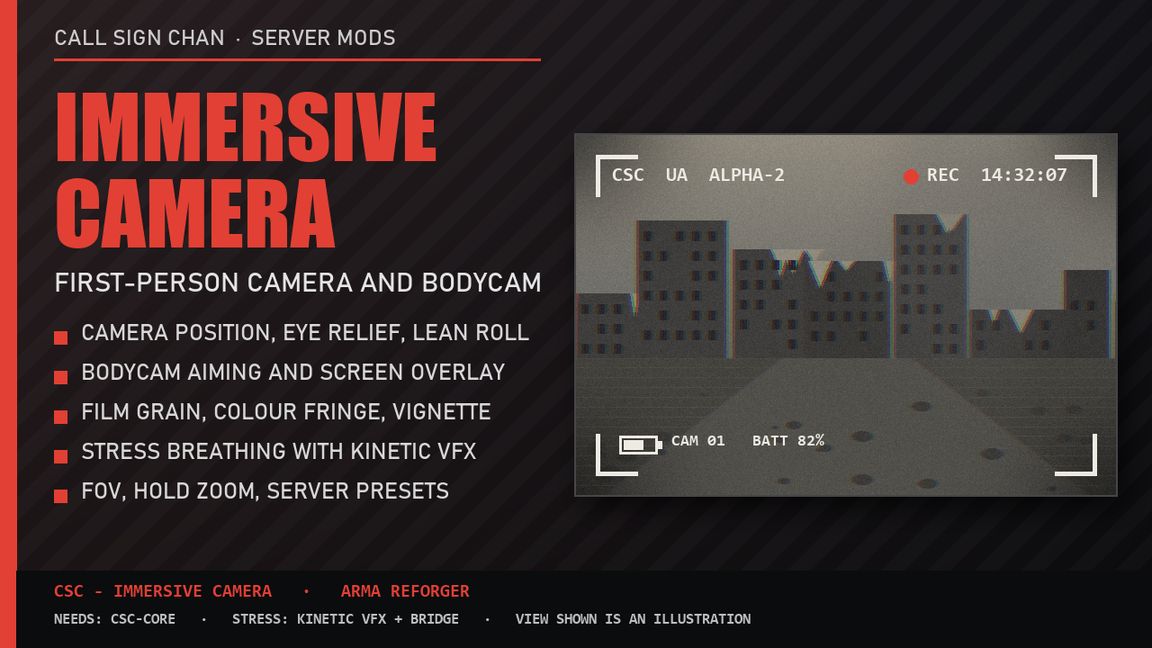
First-person camera settings and a bodycam mode: camera position, eye relief, bodycam aiming, film grain, colour fringe, vignette and a REC overlay.
Description
===================================
      CSC - IMMERSIVE CAMERA
===================================

Camera settings for the first-person view, plus a bodycam mode.
Every player sets their own view in the pause menu, within the
limits the server allows. Everything is off or vanilla until a
player changes it.

CAMERA
- Move the first-person camera forward, back, up, down or sideways
  (on foot only). The camera stops short of walls, so it never
  looks through them.
- Eye relief: the aiming camera sits further back from iron sights
  and red dots.
- Lean roll: a little extra roll when you lean.
- Head bob, camera shake and recoil shake, each from none up to
  the game's own amount.
- FOV on foot, in vehicles and in third person.
- Aiming zoom and scope zoom.

BODYCAM MODE
- A bodycam overlay: blinking REC dot, clock, your side and squad,
  battery and viewfinder corners. The centre of the screen stays
  clear.
- Bodycam aiming: the aiming camera moves toward the head, so the
  weapon sits lower and moves on its own in the picture.
- The bodycam look: vignette, film grain and colour fringe.
- Use them separately or together. Each effect has its own setting.
  Turn on Bodycam mode and the whole bodycam set comes on at once.
  Turn off Bodycam look for the overlay alone.

STRESS (optional)
- With the add-on CSC - Immersive Camera KVFX and Kinetic VFX by
  SlyZilla, the camera reacts to how shaken you are: a slow
  breathing movement and stronger grain and fringe under fire.
- Without that add-on, stress stays off and nothing changes.

SETTINGS
- Pause menu > Immersive Camera, or type #view in chat.
- A key can be bound in Settings > Keybinds > CSC Immersive Camera.
- Tabs: Camera, FOV, Effects, Bodycam, Stress.
- Your settings are saved and come back next time.

FOR SERVER ADMINS
- $profile:CSC/camera/view.json: default, lowest and highest value
  of every setting, per platform (PC and console).
- $profile:CSC/camera/camera.json: FOV limits, which seats may use
  third person, and an optional hold-zoom limit with a cooldown
  (off by default).
- Bodycam can be allowed, forbidden or forced on for everyone
  (for events).
- Commands: #csc camera ...
- Both files are written on the first start. A server that ran the
  view settings in CSC-HUD has them copied across once.

FAIR PLAY
- The camera never moves the weapon, the aim or the bullets.
- Every limit the server sets fails open: if a value cannot be
  read, there is no limit.

COMPATIBILITY
- Needs CSC-Core.
- Made to sit beside Hands On (weapon handling) and Kinetic VFX
  (effects): Immersive Camera only changes the camera, not the
  weapon.
- Do not run it beside other mods that move the first-person camera
  or change the aiming zoom. Known clashes: TacticalAnimationOverhaul
  TEST and Aiming Deadzone.
- Film grain and colour fringe use screen effect slots 10 and 11.
  If you moved Kinetic VFX's effect slot to 8 to 11, move it back
  to 12.

Made for Arma Reforger 1.9.
Part of the CSC server mods by Call Sign Chan.
License
Arma Public License (APL)