Summary
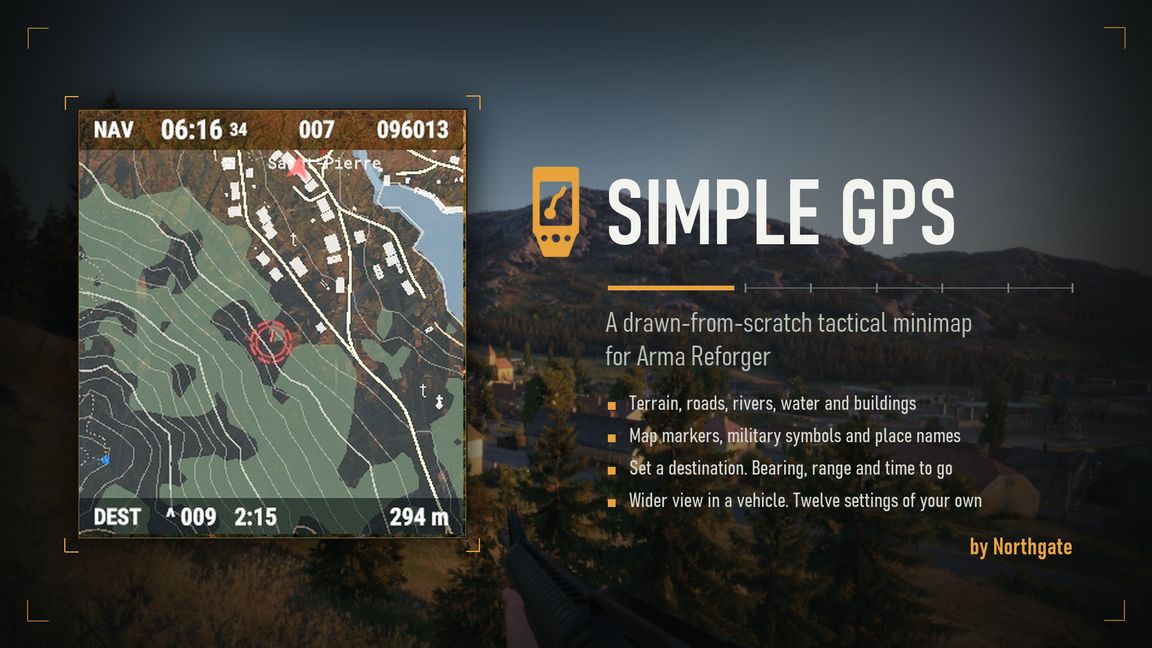
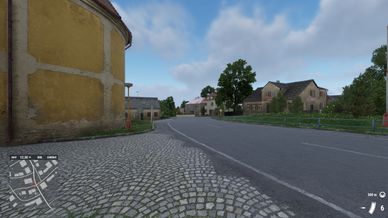
Navigate without opening the map. A live minimap sits in the corner of your screen with roads, water, contours and markers, plus your bearing and a six-figure grid.
Description
A hand-held GPS for Arma Reforger. It draws a live map of the world around you in a small box in the corner of your screen.

Take one from any arsenal: US, USSR, FIA or civilian. Put it in the GPS slot on your character. It works there and nowhere else. The box appears as soon as it hangs in the slot.

- Press O to show or hide the GPS. On a controller, hold the left shoulder button and press left on the pad.
- Hold Alt and scroll the mouse wheel to zoom by hand. On a controller, hold the left shoulder button and press up or down on the pad. Toggle the GPS to go back to automatic.
- Open the map, open the radial menu on a place and pick GPS. Set destination steers you there. Add waypoint builds a route of up to nine points. Remove waypoint drops the nearest, and Clear navigation ends the trip.
- Every key is rebindable in Settings > Controls.

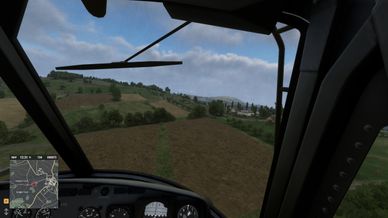
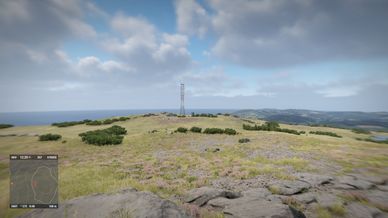
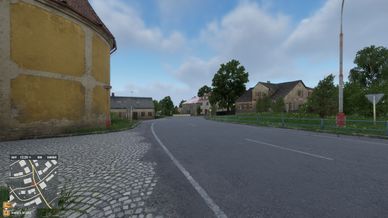
The map draws ground cover, contours, water, roads, rivers, buildings and place names. Map markers and landmarks draw in their own map colours. The zoom picks itself: close on foot, wider in a vehicle, widest in the air. The status bar shows the time, your bearing and a six-figure grid. It names the map width for a moment whenever you step the zoom by hand. The GPS shows nothing the fullscreen map hides.

The map draws north-up. Switch it to course-up and it turns so the way you are going points up the box. On foot that is the way you face. Hold free look to hand it back to your direction of travel. Look-up follows your view everywhere.

Set a destination and the GPS works out the way there. A driver is held to the road network the world carries. A walker takes the paths, tracks and roads underfoot, or crosses country where the ground between is quicker. A pilot flies straight and reads the ground along the route as CLEAR, LOW or TERRAIN. Where the roads stop short of the place, the line runs as far as they reach. Where the GPS will not promise a way, it marks that stretch GAP instead of drawing a crossing you cannot make.

The box shows the range, the bearing and the time to go to the next point. An arrow points the way, and holds at the box edge when the point is off the map. The legs beyond the one you are steering are dotted on the map, so the turn after the next one shows as well. For a driver those legs follow the roads. Every point is marked on both maps, numbered on the fullscreen one, and the last point of a route is the destination. The marks are yours alone, and the GPS never touches a marker you placed. Delete a mark on the fullscreen map and its route point goes with it. Within 50 metres of a point the box moves on to the next, and at the last one it says you have arrived.

The time to go learns while you travel. It reads the pace you are holding rather than a trip average, keeps that pace per travel type, adds time for a climb along the way, and corrects itself by how far the legs behind you actually bent.

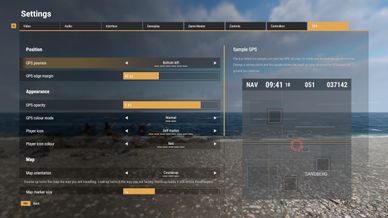
Settings > GPS holds twenty-four rows with a live preview. They cover the box, the map colours, the detail, the route, the travel preference and the zoom reach. The interface reads in all thirteen game languages.

Server owners: the box is drawn on each player's own machine, and the mod sends no network traffic. It overrides eight vanilla files: the player controller, the character base, the four faction catalogues and the two input configs. A mod that replaces one of those can conflict with it. NCM_GPSTunables can keep the GPS row out of the inventory screen. It can also let a GPS work from anywhere in the inventory, as it did through 1.4.0.

Modders: NCM_GPSTunables holds every number the map draws with. A new map layer is one NCM_GPSLayer subclass and one NCM_AddLayer call. NCM_GPSHudApi keeps other HUD mods clear of the box.

The GPS model is "GPS device" by Mikhail Antonov (https://skfb.ly/owYBr), Creative Commons Attribution 4.0 (http://creativecommons.org/licenses/by/4.0/), modified for this addon. The heads-up display icon follows that model. The ring player marker was designed by Tonic.

Feedback: the Arma Platform Discord #enf_showcases thread, or .northgate on Discord.

The code is written by AI, under human direction.

Built by the NORTHCOM community. Released under APL-SA.
License
Arma Public License Share Alike (APL-SA)