Summary
Proximity voice, radio, megaphone and vehicle intercom through the GameVox app.
Description
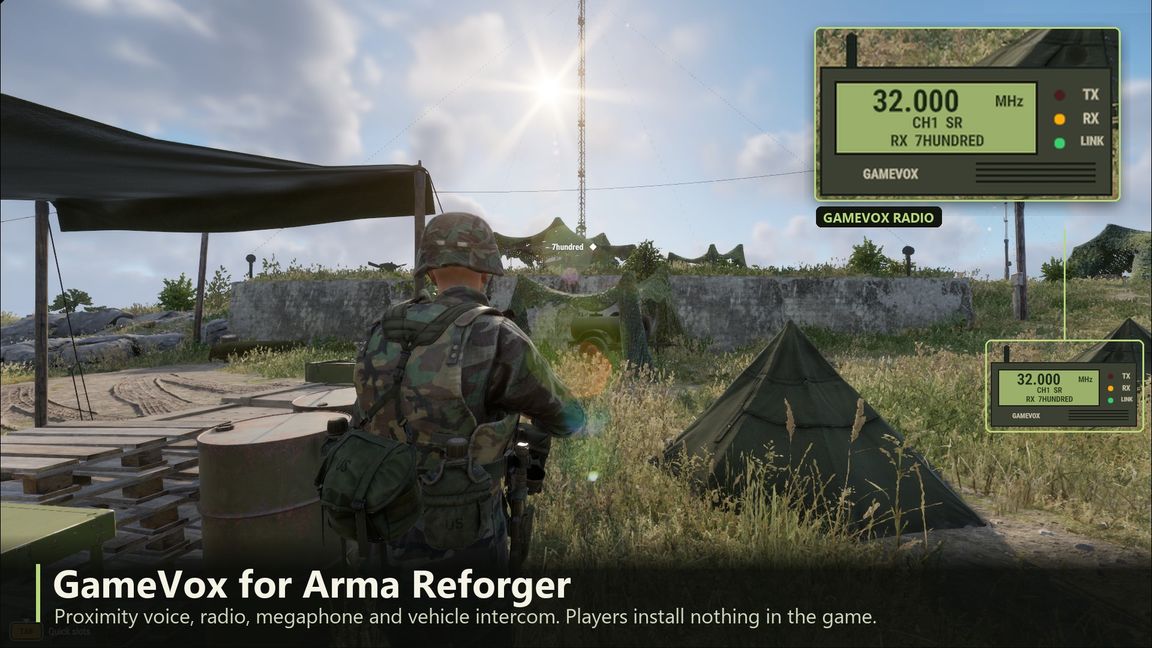
GameVox Radio gives Arma Reforger proximity voice, radio, a megaphone and vehicle intercom with spatial audio and radio effects, through the free GameVox desktop app (gamevox.com).

Features
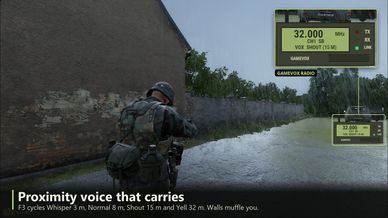
- Proximity voice for every player, muffled through walls and between vehicles. F3 cycles Whisper / Normal / Shout / Yell (3, 8, 15, 32 m; the server sets the ranges).
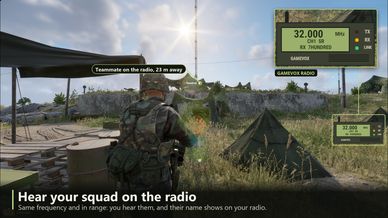
- Radio on the game's own radios, frequencies and encryption keys: transmit with the usual radio keys and anyone with a powered radio on that frequency, in range, with your faction's key hears you. Backpack and vehicle radios count as long range.
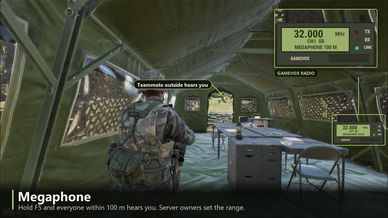
- Megaphone: hold F5 to be heard up to 100 m away (server setting, can be limited to vehicles or turned off).
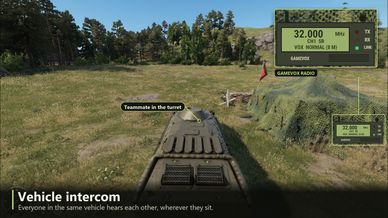
- Vehicle intercom between everyone in the same vehicle.
- A radio on the HUD showing your frequency, channel, who is talking and your voice range, with TX, RX and LINK lights (F4 hides it).
- Your radio in the GameVox app too: frequency, channel, voice range and megaphone on the GameVox in-game radar, with TX, RX and intercom lights, and who you hear on the radio.
- Hands over from the game's voice: while you are in a GameVox voice channel the game's VON stops capturing your mic; without GameVox the game's VON works as usual.

Server owners
Add the mod to the server. On first start it writes $profile:GameVox/server.json:
{"voiceRanges":[3,8,15,32],"defaultRange":1,"replaceGameVoice":true,"unconsciousCanTalk":false,"megaphoneRange":100,"megaphoneVehicleOnly":false}
The server checks every voice range change, transmission and megaphone use against what the player actually carries.

Players
Install GameVox from gamevox.com, join a voice channel with your squad, then join the server. All keys can be changed under Settings > Controls > GameVox.
License
Arma Public License (APL)