Summary
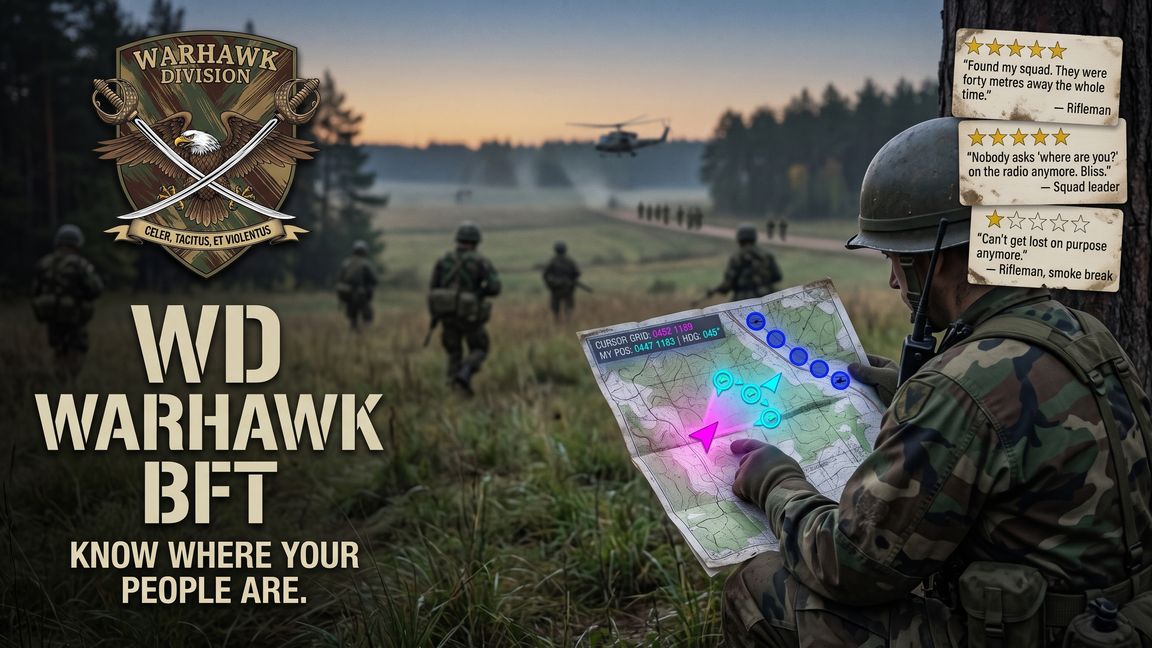
Blue Force Tracker map plus a military HUD compass: friendlies live with facing, 8-digit grids, bearing, back azimuth, squad pips, marks and mils.
Description
Know where your people are. WD Warhawk BFT turns the fullscreen map into a Blue Force Tracker and puts a military compass on your screen. Made by Warhawk Division.

ON THE MAP
- You: a magenta arrow for the way your body faces, with a cone for where you are looking.
- Your squad in cyan, the rest of your faction in deep blue, each with a pointer that turns with them.
- Icons for rifleman, squad leader, ground vehicle and helicopter.
- Callsigns when you zoom in, hidden when zoomed out.
- CURSOR GRID: the 8-digit grid under your mouse. MY POS: your own grid and heading.

THE COMPASS (NEW IN 1.1.0)
- A tape at the bottom of the screen: 90 degrees of horizon, your 3-digit bearing and back azimuth.
- Squadmates as cyan diamonds, pinned to the edge when behind you so you know which way to turn.
- Map markers as white diamonds. Look at one to read its name, bearing and range.
- Mark a bearing with the period key; it stays on the tape until you clear it.
- Degrees or NATO mils with the comma key.
- Keys can be changed in Settings > Controls > WD Warhawk BFT.

GOOD TO KNOW
- Enemies and dead players are never shown.
- You see friendlies within the server's network view distance.
- Drawn on each player's own machine: no network traffic, no server load.
- Adds two keybinds to the input config. No map or HUD configs are overridden.
- Base game only. Add it to the server mod list so players get it too.

Guide: warhawkdivision.com/bft
License
Arma Public License (APL)