Summary
Proximity based text chat system with in-world chat bubbles.

See description and project images for further details.
Description
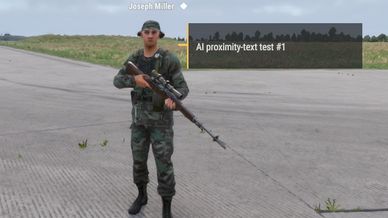
Talk to nearby players with messages that appear beside your character in the world.
Proximity Text adds a simple way to communicate at close range. Other players can see your message when they are within five metres and have a clear view of you. Messages fade away after a short time, keeping the view uncluttered.
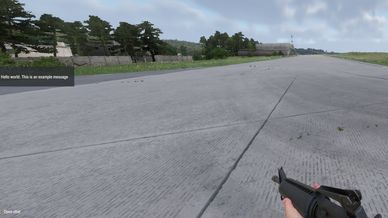
A small preview along the middle-left edge of your screen lets you see your latest sent message.


[Controls]
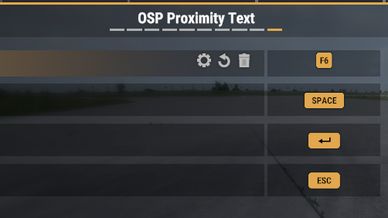
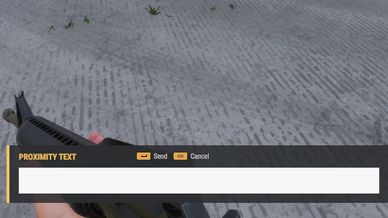
Keyboard: Press F6 to open proximity chat, type your message, then press Enter to send. Press Escape to cancel.
Controller: Hold View and click the right stick to open the composer. Use Y / Triangle to enter text, then A / Cross to send or B / Circle to cancel. Follow the button prompts shown in the composer.
Change your bindings in Settings > Controls > OSP Proximity Text.


[Visual Settings]
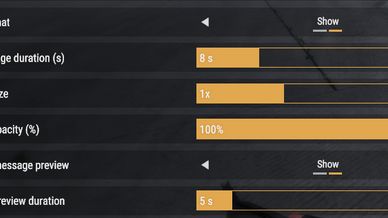
Open Settings > Interface > Communication to adjust message visibility, duration, text size and opacity. You can also show or hide your sent-message preview and choose how long it stays visible.


[Open Source Project]
Break the lock, Build the future.
License
Arma Public License (APL)