Summary
In Game Mod Maintenance
Description
1. Download RJB Mod Cleanup (6F9C2D30A1E74B58) to your client then exit the game.

2. Insert -addons 6F9C2D30A1E74B58 into the Steam Launch Options for Reforger then start game.

3. Go to the Multiplayer > Favorites Tab

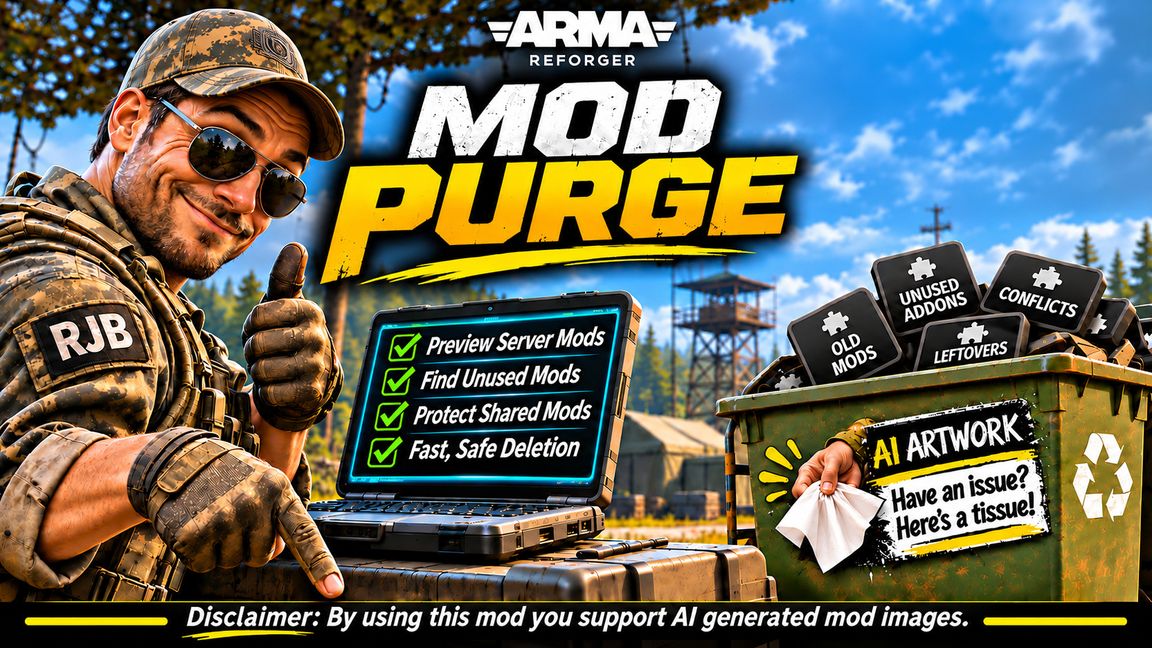
Preview Mods > View-only list of mods required by the selected server.

Protect > Protects all mods of the selected server from deletion, including shared.

Unprotect > Removes protection from selected server's mods.

Remove All > Removes the selected server's mods except those shared on a protected server.

Join Server > Join selected server. This wil unload the Mod Cleanup Mod. Restart required.

NOTES:

A. For mods to be inclusive to comparison, they must be in your Favorites list.

B. In order for this mod to update, you have to start the game without the -addons 6F9C2D30A1E74B58 in startup      	     parameter of Steam because unlike other mods, this mod is active as soon as the game loads and cannot update.
License
Arma Public License (APL)