Summary
Quick rivers and creeks with an easier to use tool.
Description
Clydefrog River Tools (CRT)

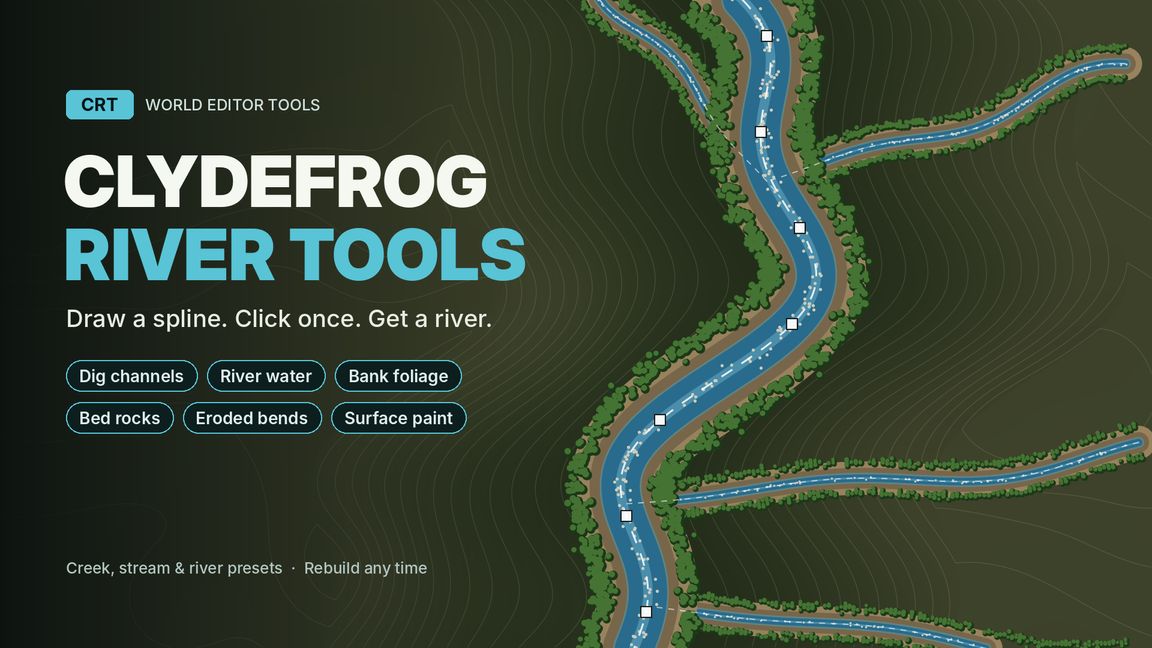
World Editor tools for terrain makers. Turn a spline into a finished river or creek in one click, instead of sculpting, placing water and planting banks by hand.

CRT River Builder (1-click)
Select a spline running down the middle of your river and press **Build**:

- Digs the channel - flat bed and sloped banks, with adjustable depth and widths
- Adds river generator - width, water height, flow direction and water material all set from the tool
- Bank Vegetation - a foliage line on each side, placed at an exact distance from the spline
- Riverbeds - stream stones (or any prefab generator) along the channel
- Erosion - finds sharp bends and cuts a deeper, steeper outer bank
- Surface materials - paints a terrain surface (e.g. Dirt) along the whole river

Pick the **Creek**, **Stream** or **River** preset, tweak anything you like and press Build again - it rebuilds cleanly every time, nothing stacks or duplicates. **Remove** deletes everything it made and puts your spline back. Build many splines at once; give rivers a higher priority than their creeks and the junctions sort themselves out.

Also included
- CRT Spline Digger - just the digging: ditches, trenches, dry gullies. Non-destructive - undig and the terrain comes back.
- CRT Spline Painter - paint any terrain surface along splines and polylines (Roads, paths, etc.).
- CRT Surface Area Painter **WIP(still testing)** - paint a surface inside closed shapes, or under every forest generator in the world in one click (forest floor under forests, fields, clearings).

How to use
1. Add Clydefrog River Tools as a dependency of your map's project.
2. In the World Editor open Tools > CRT River Builder (1-click).
3. Draw a spline with Snap To Terrain on, select it, choose a preset and press Build.

Every setting has a tooltip, and the README.txt in the addon folder walks through every option with a cross-section diagram, recipes and troubleshooting.

Requirements
- Surface painting only: Python 3 with numpy and pillow (`pip install numpy pillow`). Workbench can't paint terrain surfaces from script, so the tools paint the exported surface mask and you import it back with one right-click (Priority Surface Mask Import). Everything else works without Python.
- Workbench will ask permission the first time a tool paints - click Yes.
- The digger is saved inside your world, so keep this addon as a dependency of any map built with it.
License
Arma Public License No Derivatives (APL-ND)