Summary
** WIP **
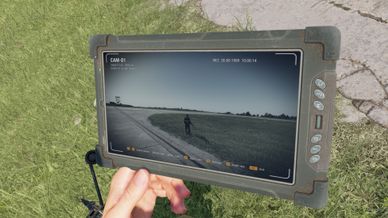
Place cameras on walls, vehicles, trees and ceilings and watch them live on a handheld tablet. Look around, zoom, switch feeds, use night vision.
Description
Place a camera, walk away, watch it on your tablet.

HOW IT WORKS
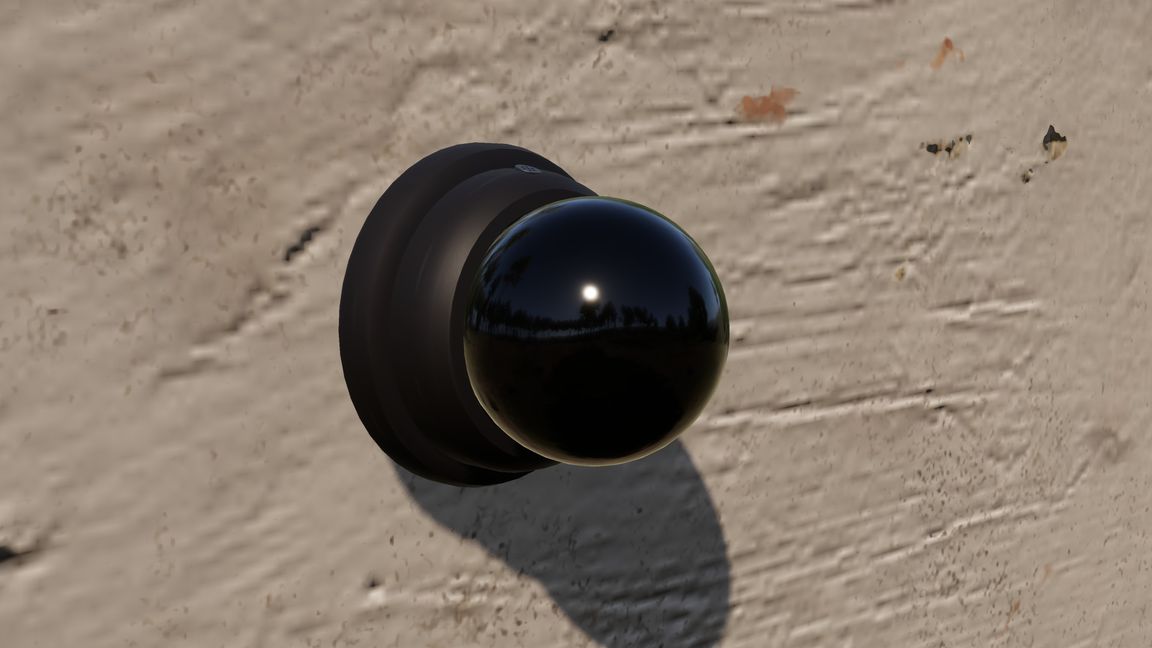
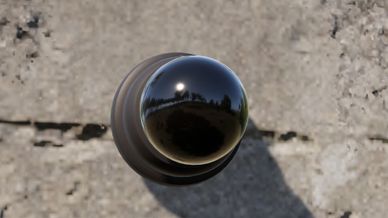
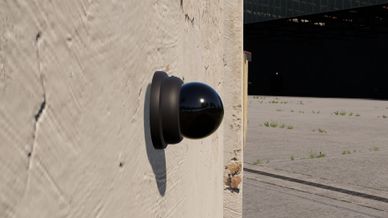
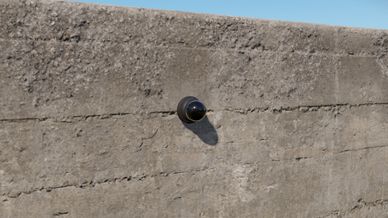
- Camera: a small glass dome with a microphone. Place it like an explosive charge on a wall, tree, ceiling or vehicle; on a vehicle it moves along. Pick it up again any time.
- Linking: a camera you place while carrying a tablet belongs to that tablet. To take over a placed camera (also one of the other side), use "Link to my camera tablet" on it.
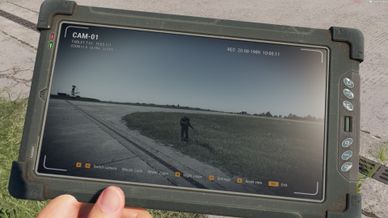
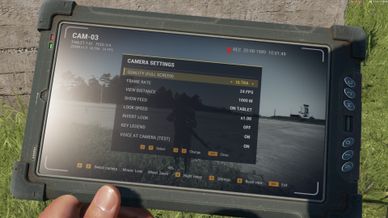
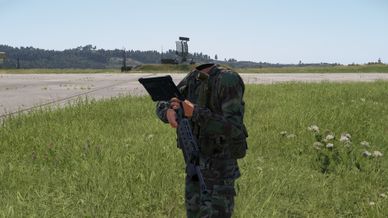
- Tablet: press I or take it out and the feed appears on its screen. Your weapon stays in your other hand. In a vehicle, I opens the feed full screen.
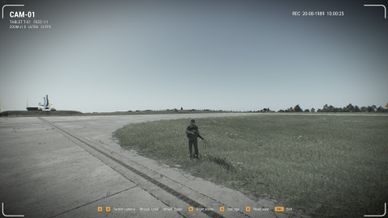
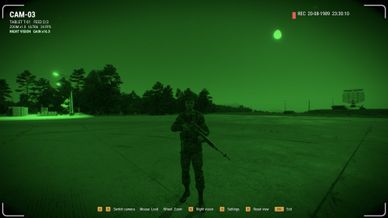
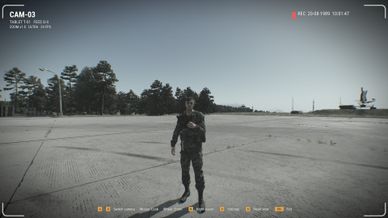
- Feed: look around, zoom, switch between cameras, night vision with automatic gain. You see yourself in a camera, head and all.
- Full screen: if you prefer, the feed fills your whole screen instead (Settings: Show the feed). It draws distant trees and buildings in more detail than the tablet and you hear the sound around the camera; on the tablet you hear your own surroundings.
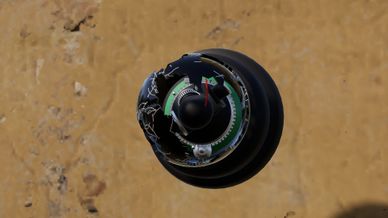
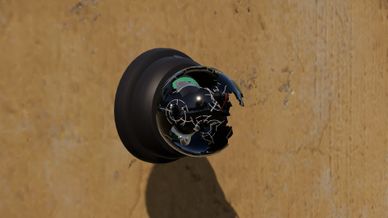
- Destroyed: shoot a camera and the dome shatters. It goes offline and the wreck stays on the wall (two minutes by default).

SETTINGS
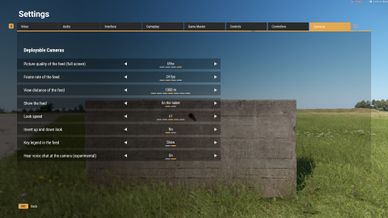
In the feed (O, then arrow keys, W / S / A / D or d-pad; Esc closes the panel) or in Settings > Cameras; both keep the same choices:
- Picture quality full screen: low, medium, high (default) or ultra. The tablet always shows the sharpest picture.
- Frame rate: 15, 24 (default), 30 or 60 fps. 24 fps is light; 60 fps costs noticeably more. Full screen, the game runs at the feed's frame rate and your own limit comes back when you close it.
- View distance: 250 to 2000 m (1000 m default; less is lighter).
- Show the feed (tablet or full screen), look speed, inverted look, key legend.
- Voice at the camera (experimental, off by default): hear players talking near the camera.

CONTROLS
- Open / close tablet: I
- Close feed: Esc or Backspace (gamepad: B)
- Tablet up close: right mouse button, click or hold (LT)
- Look around from your own eyes: hold Alt (left stick click)
- Switch camera: A / D (LB / RB)
- Look: mouse (right stick)
- Zoom: mouse wheel or W / S (left stick)
- Night vision: N (Y)
- Settings: O (view button)
- Reset view: R (right stick click)
Change the keys in Settings > Controls > Deployable Cameras.

WHERE
US, USSR and FIA arsenals: camera under explosives, tablet under equipment. Game Master: both under Systems.

MULTIPLAYER
Needed on the server and every client. Tested on a dedicated server and as host. A camera far away from you still shows the soldiers and vehicles around it: complete up to your view distance, at most 750 m and 64 at a time. There is no limit on how far you can be from a camera.

OTHER MODS
No other mods required. Night vision mods (NV-System, RHS, WCS) keep working: the feed is its own picture and leaves your own view alone. While a feed is open only its keys and voice chat respond.

MISSION MAKERS
- DCAM_MissionSettingsComponent on the game mode: relinking allowed or not, wreck time (0 = stays), longest view distance, distance and number of soldiers and vehicles shown, where the feed is shown (player's choice, tablet or full screen), night vision, voice. The log shows the rules in force ("[DCAM] Mission rules").
- Camera placed in the World Editor: tick Start placed and it works from the start (the lens looks along its Y axis).
- Network: give tablets and cameras the same network name (e.g. ALPHA) and every tablet of that network shows those cameras, arsenal tablets too.
License
Arma Public License (APL)