Summary
Shows which servers you play still need each downloaded mod, and removes the ones none of them need any more. Client-side, in the Workshop's Mod manager.
Description
THE PROBLEM
Try a few servers and your downloads fill up with mods. The game cannot tell you which servers still use which mods, so nothing gets cleaned up.

THE SOLUTION
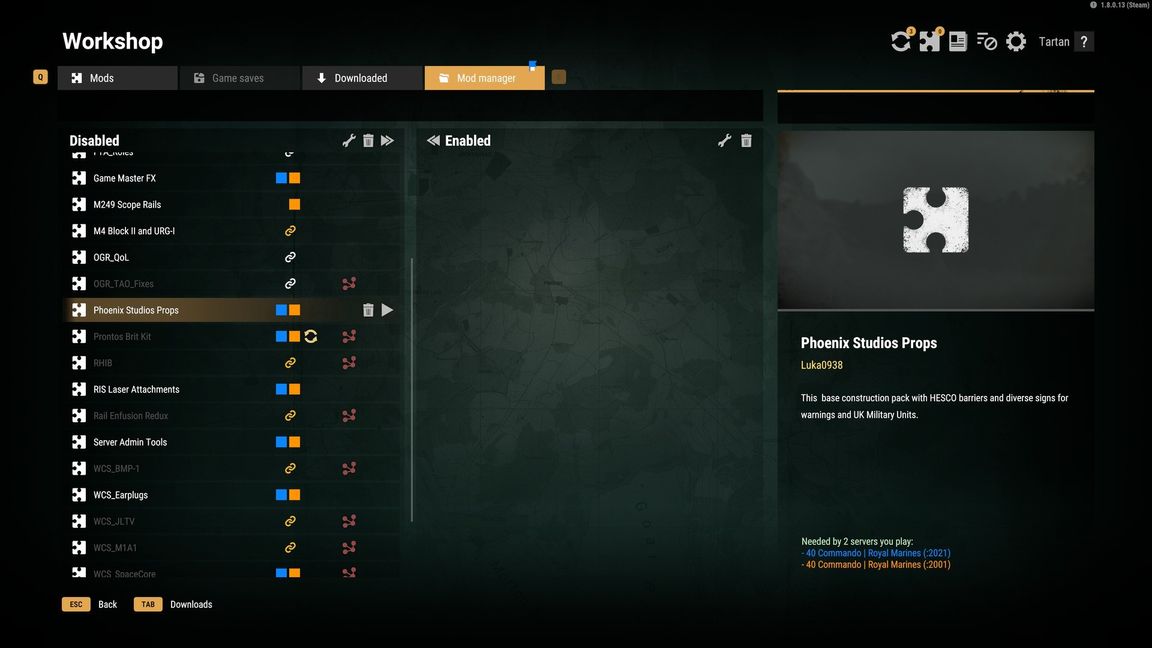
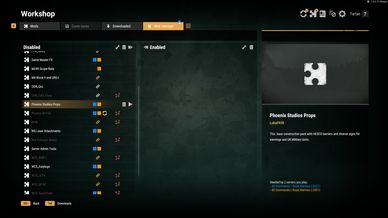
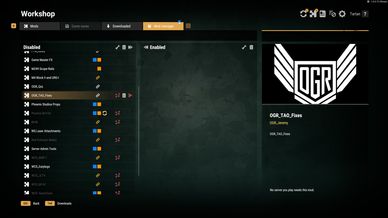
Workshop > Mod manager now marks every download:
- a coloured square for each server you play that needs it;
- a gold link: only a favourite you have not joined lately needs it;
- a white link: no server you play needs it.
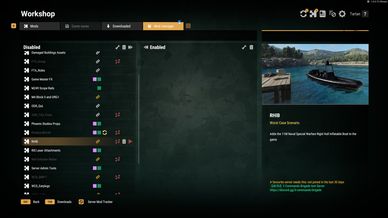
Select a mod to see the servers by name. "Remove unneeded" deletes the white ones after one confirmation that lists them and their size. Files only: your Workshop subscriptions are left alone.

SETTINGS
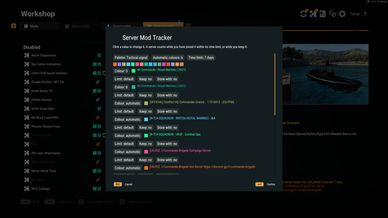
"Server Mod Tracker" in the footer: how long a server counts after you last joined it (default 30 days), each server's own limit and colour, keep or done with, and six colour palettes.

HOW IT KNOWS
From the game's own server list in the main menu: your favourites and the servers you joined. Each check replaces a server's mod list, so mods a server adds, drops or updates are tracked. It looks at nothing else and sends nothing anywhere.

NOTES
- Client-side: enable it in your own mod list. Servers need nothing.
- A password-protected server's list can only be read once you have its password; until then it is named as unknown.
- Icon: Boxicons (MIT).
License
CC BY 4.0 (Creative Commons Attribution 4.0): you can share and adapt this mod freely if you give credit.
https://creativecommons.org/licenses/by/4.0/

The link icon is Boxicons (bx-link), MIT License, https://github.com/box-icons/boxicons