Summary
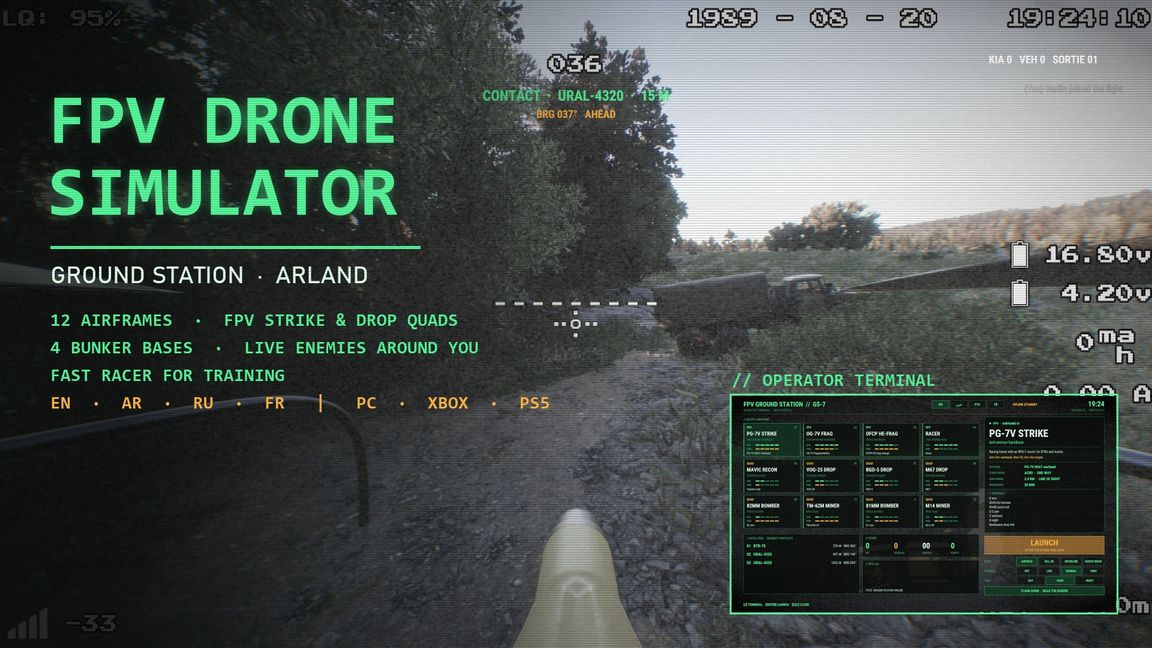
Sit in a sandbag bunker at your FPV ground station, pick a drone on the operator terminal and hunt the enemy around you on Arland. 12 airframes: PG-7V, OG-7V and OFCP FPV strike drones, ...
Description
FPV DRONE SIMULATOR
Ground station · Arland · Singleplayer

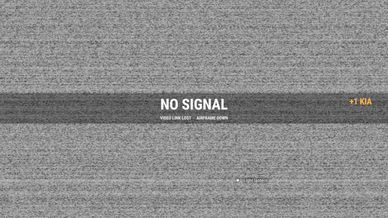
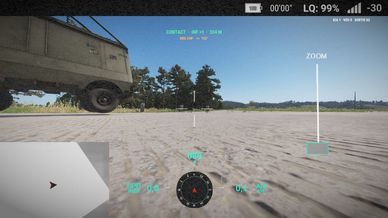
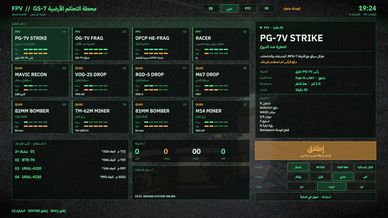
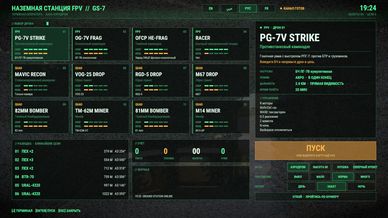
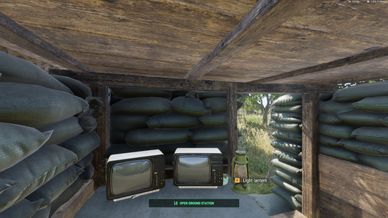
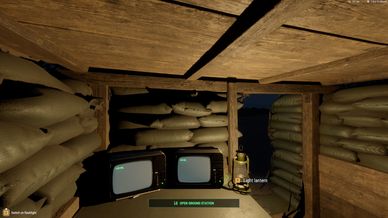
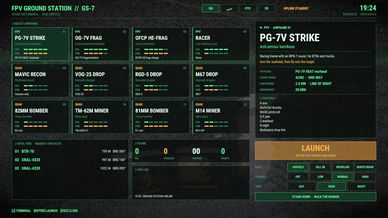
You are the drone operator. You start in a sandbag bunker at a table with two CRT monitors, the controller in your hands and the FPV goggles on. The ground station terminal opens: pick an airframe, press LAUNCH, and you are behind its camera. When the drone hits its target the feed dies in static - NO SIGNAL - and you are back at the terminal for the next sortie.

AIRFRAMES (12)
- PG-7V STRIKE - anti-armour FPV with an RPG-7 HEAT round
- OG-7V FRAG - anti-personnel FPV
- OFCP HE-FRAG - heavy FPV charge
- RACER - very fast, light, no warhead: for learning acro flying
- MAVIC RECON - stabilised scout with zoom, laser range and night vision
- VOG-25 / RGD-5 / M67 droppers
- 82 mm and 81 mm mortar-bomb bombers
- TM-62M and M14 mine layers

THE WORLD AROUND YOU
- Enemy infantry patrols, dug-in teams and parked UAZ / Ural / BTR-70 outposts with guards, 220-1100 m from your base, replaced as you destroy them
- Your bunker is safe: no enemy comes within 350 m, and you cannot die (only the pause menu's Respawn ends you)
- 4 bases to operate from: AIRFIELD, HILL 88, WOODLINE, NORTH RIDGE
- Enemies: OFF (training) / LOW / NORMAL / HIGH
- Time of day: DAY / DUSK / NIGHT
- Intel feed with the nearest contacts (distance and bearing), score, ops log
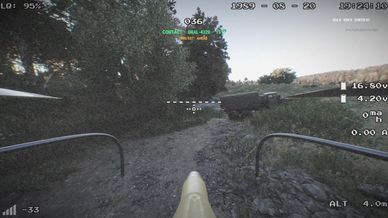
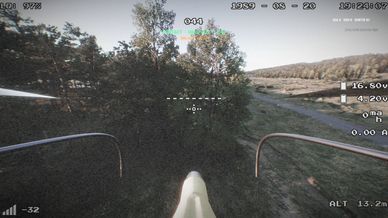
- In flight: nearest contact with distance and which way to turn, kill counter

LANGUAGES
English, العربية, Русский, Français - pick it on the terminal, it is remembered.

CONTROLS
Terminal: J (keyboard) or L1 + Triangle / LB + Y (controller)
FPV: R arm motors, Shift/Ctrl throttle, WASD pitch/roll, Q E yaw, Z arm warhead, N night vision, Backspace drop link
Quad: R arm, Shift/Ctrl climb, WASD move, Q E turn, right mouse drop, left mouse laser
Controller: R3 arm, left stick throttle/yaw, right stick pitch/roll, L3 warhead, L2 drop, Options drop link
All drone keys can be changed under Settings > Controls (Realistic Combat Drones and FPV Drone Simulator).

HOW TO PLAY
Scenarios > FPV Drone Simulator - Arland.

REQUIREMENTS
Realistic Combat Drones (downloads automatically).

CREDITS
Drones, flight model, drone HUD and controls: Realistic Combat Drones.
Arabic font: IBM Plex Sans Arabic (SIL Open Font License).
Arland and all base game content: Bohemia Interactive.
License
Arma Public License No Derivatives (APL-ND)