Summary
A captured radio goes silent. Move your squad or your full platoon to a new frequency with one action on a radio backpack. All friendly radios follow.
Description
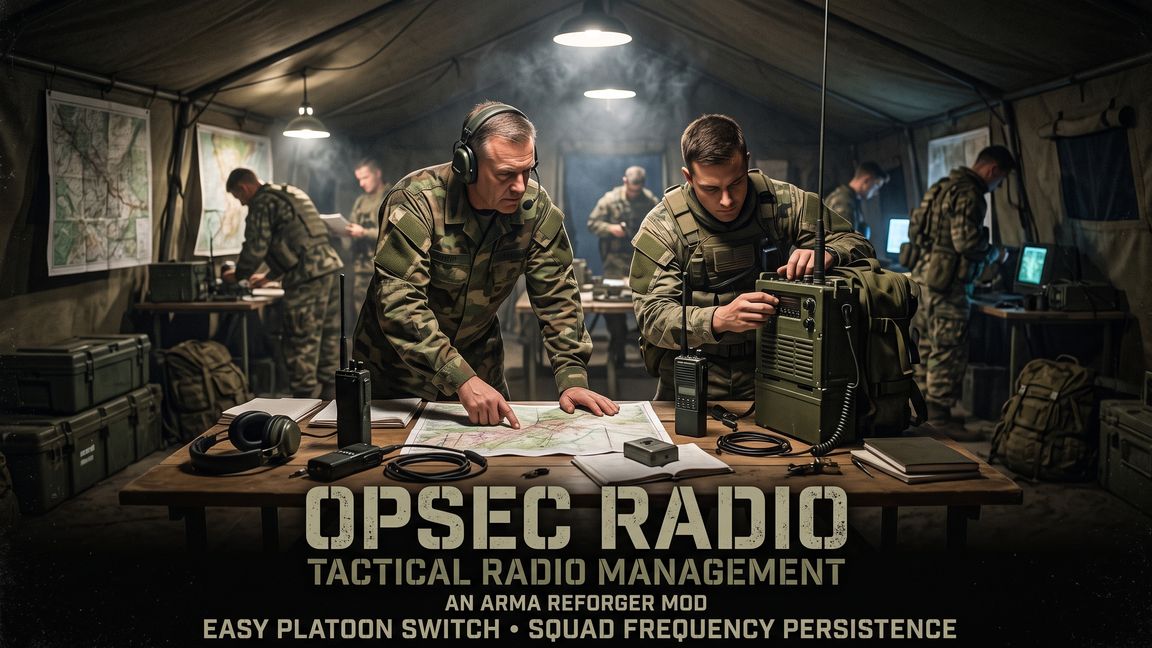
OPSEC RADIO
Move your squad or your platoon to a new radio frequency when the enemy captures a radio.

In Arma Reforger, CH1 of a handheld radio has the squad frequency, and CH2 has the platoon frequency. If the enemy takes the radio of a dead or captured soldier, the enemy hears all of your squad and platoon traffic.

Vanilla gives you no good procedure to move a squad or a full faction to a new frequency.

This mod adds two actions to each vanilla radio backpack. One action moves your squad to a new frequency. The other action moves the full platoon. The server then tunes the radios of all living friendly soldiers. A radio in the hands of the enemy keeps the old frequency and goes silent.


CHANGE THE SQUAD FREQUENCY

Each squad member can do this procedure. You do not have to be the squad leader.

1. Wear a radio backpack. Open the VON radial menu and tune CH2 of the backpack to the new frequency.
2. Put the backpack on the ground. You can also deploy it as a spawn point.
3. Look at the backpack and hold "Set Radio Frequency for Squad" for 2 seconds.

The result:
- The squad frequency changes for all players. The group menu and the radial menu show the new value.
- CH1 of each squad handheld with an old squad frequency changes to the new frequency. This includes the radios of AI squad members.
- You get a hint with the number of tuned radios. Each other player of the squad gets a hint with the new frequency.
- The other squads of your faction do not change.


CHANGE THE PLATOON FREQUENCY

Only a member of the command squad can do this procedure.

1. Wear a radio backpack. Open the VON radial menu and tune CH1 of the backpack to the new frequency.
2. Put the backpack on the ground.
3. Look at the backpack and hold "Set Radio Frequency for Platoon" for 2 seconds.

The result:
- The platoon frequency of your faction changes for all players. The radial menu shows "Platoon" on the new frequency.
- CH2 of each handheld and CH1 of each backpack with an old platoon frequency change to the new frequency. This applies to all living players and AI in the squads of your faction.
- You get a hint with the number of tuned radios. Each other player of your faction gets a hint, also a dead player.
- A radio from a respawn, an arsenal or a dead friendly gets the new platoon frequency.

A tune of a backpack in the radial menu changes only that backpack. The squad and the platoon do not change until you use the action.


THE RULES

- Only the player who put the backpack on the ground sees the actions.
- The mod changes only a channel with an old squad frequency or an old platoon frequency. An old frequency is each frequency that the squad or the platoon used earlier in the mission.
- A channel that you tuned to a different frequency on purpose stays as it is. The hint gives you the new frequency, thus you can tune it yourself.
- The change is all or nothing. If one friendly radio cannot use the new frequency, nothing changes and you get a hint.
- The squad action rejects the platoon frequency. The platoon action rejects a frequency that a squad of your faction uses.
- Radios on the ground, in vehicles, in storage or on dead soldiers keep the old frequency.


KNOWN LIMITS

- If the owner of a backpack leaves the server, nobody can use the actions on that backpack. Pick it up and put it on the ground again.
- The game can give an old frequency to a new squad later. An enemy with a captured radio can then hear that squad.
- Two squads of one faction can select the same frequency. Then they hear each other, as in vanilla.
- One platoon frequency exists for each faction. The mod does not set a frequency for each callsign platoon.
- In a game mode with no command squad, nobody sees the platoon action. The squad action still works.
- A different mod that changes the vanilla radio backpacks can hide the actions. The load order of the mods decides the result.

FOR THE SERVER ADMINS

- The mod has no configuration file and no dependencies. Your missions and scenarios need no changes.
- The server does all checks and all changes. It reads the new frequency from the backpack itself. A client cannot send a frequency.
- The new frequencies stay until the end of the mission.
- Vanilla systems that read the platoon frequency use the new value after a change. Examples: base radios, antenna service points and the frequency selection for a new squad.
- The mod tunes the platoon channel of each new radio to the platoon frequency of its faction. Thus a new USSR R-107M backpack gets 42.0 MHz on CH1, not the vanilla 48.0 MHz.

--> Leave a like, if this mod keeps your comms safe!
License
Arma Public License (APL)