Summary
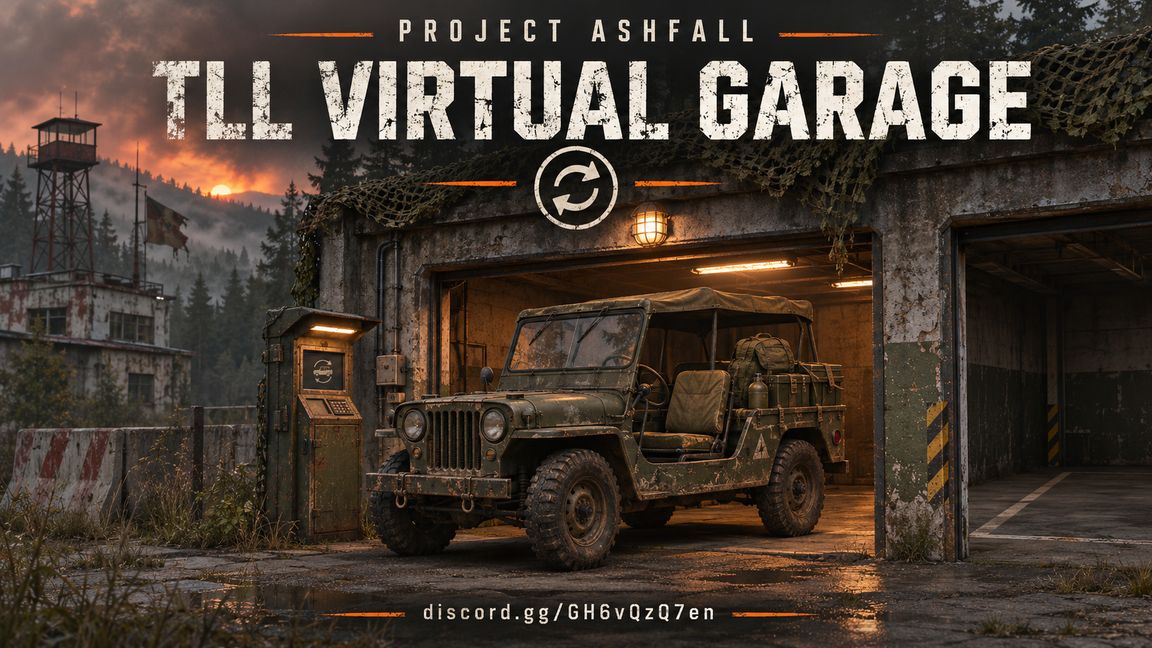
TLL Virtual Garage adds vehicle ownership, locking, PIN security and virtual storage for vanilla and compatible modded vehicles, helping reduce persistent vehicle clutter and server load.
Description
TLL Virtual Garage lets players claim and secure vehicles, store them through an in-world console, and retrieve them when needed. It works as a standalone mod and integrates with TLL Building System for player bases. The garage interface requires no Rally DLC.
Vehicle ownership and security
Claim vehicles and lock or unlock them through the vehicle interaction menu.
Set a four-digit vehicle PIN. Other players can enter it to gain authorized access.
Vehicle PINs and garage console PINs are separate. Access to a console lets players use their own vehicle storage there.
Store and retrieve vehicles
Park your claimed vehicle near a garage console, stop it, and have everyone get out. The white X marks the suggested parking spot inside the 10-metre storage radius. Use Store at the console to put the vehicle away.
Each console has 10 slots shared by everyone who uses it. Stored vehicles are tied to their owners. You can retrieve your vehicle from any garage console you can access, and doing so frees the slot at the console where it was stored.
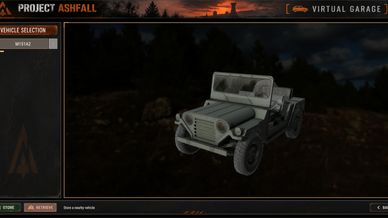
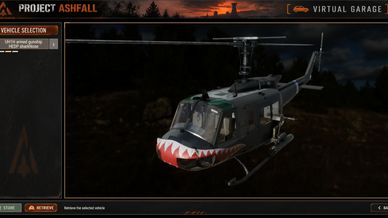
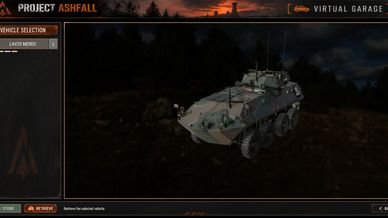
Use the left and right arrows to browse your vehicles. Select Retrieve to spawn the highlighted vehicle at the amber square. Keep that area clear for arriving vehicles.
Project Ashfall garage interface
The full-screen garage features an illustrated Ashfall banner, weathered panels, amber accents, and a large live 3D preview of the selected vehicle. The vehicle name and selection arrows are on the left. There’s one marker per stored vehicle, and the highlighted marker shows which vehicle you’ll retrieve. Store, Retrieve, and Back are available along the bottom.
The menu has gamepad input support. The updated interface has been tested in PC Workbench. Xbox and PlayStation artwork and navigation still need verification on hardware.
Player-deployable garage consoles
Scenario creators can place a public garage console directly in the world. Players can also deploy one using a Garage Console Notebook. Equip the notebook to see and rotate the placement preview. The server consumes it after saving the console.
Standalone: The player who deploys the console claims it by setting its initial four-digit PIN. Other players can enter that PIN to use the console.
With TLL Building System: Placement requires an authorized base zone with a deployed Base Console. Each base can have one garage console. The player who places it becomes its owner automatically. The base owner or an authorized base member can set the initial garage PIN.
The notebook is available from the TLL Tools Trader when that mod is installed. Other trader or loot mods can use this prefab reference:

{D4B22078AD08F313}Prefabs/Garage/TLL_GarageConsole_Notebook.et

COMMUNITY & FEEDBACK
Report issues and follow Project Ashfall:
https://discord.gg/GH6vQzQ7en
License
Arma Public License (APL)