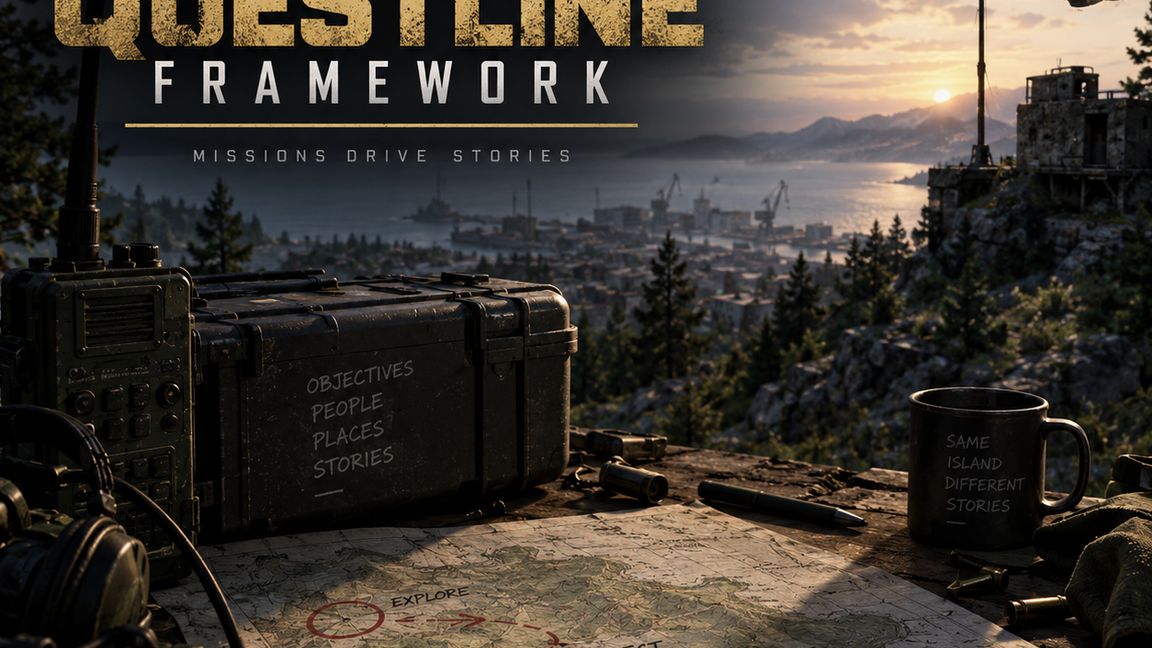
Summary
Major Questline Framework
Description
A System made to impliment multi-staged Questlines
- Fully configurable
- Console adapted
- Persistent
Current Limitations:
- Limited to Talk to quests with Item issue, Retrieval, and Turn-in.

MQF Scenario Setup Guide
Add MQF as a dependency of the scenario addon and open the scenario with its required addons loaded.
1. Place the quest manager
Add one GenericEntity to a layer loaded by the scenario.
Name it MQF_QuestManager.
Add MQF_QuestManagerComponent.
Set Quest Catalog to MQF_Quests.conf, or your scenario’s copy.
Set Initial Quest Id to the starting quest—for the supplied example, mqf_welcome.
The manager’s position is not an NPC interaction point. Only one quest manager should be placed.
2. Configure the quest NPCs
For each NPC used by a quest:
Give its world instance a unique entity name, or retain its existing name.
In its ActionsManagerComponent, add MQF_TalkToObjectiveAction under Additional Actions.
Set the action’s Parent Context List to an existing context such as Chest.
Set Action Name to the desired text, such as “Talk to Doc.”
NPC clothing, invulnerability, movement, and faction settings are configured separately. MQF does not automatically make an NPC stationary or invulnerable.
3. Connect the quest configuration
Prefer a scenario-owned copy of the supplied quest catalog, then assign that copy to the manager.
For each quest, check:
Quest Id: unique and stable.
First Objective Id: matches its starting objective.
Objective Prefab: MQF_PersonalObjective.et.
Target Entity Name: exactly matches the corresponding NPC’s world entity name.
Next Objective Id: points to the following objective; leave blank on the final objective.
Keep MQF_PersonalObjective.et as a referenced prefab; do not place individual objective instances manually.
4. Configure dialogue and items
Within each objective:
Configure dialogue pages and the First Page Id.
Use NEXT_PAGE for continuing dialogue.
Use COMPLETE_OBJECTIVE for the choice that performs the item exchange and advances progress.
Add item prefabs and quantities under Items To Issue or Items To Turn In.
Use Equip only for issued items intended for equipment slots.
All referenced item and clothing addons must be available to the scenario.
5. Configure follow-up quests
Set the preceding quest’s Next Quest Id.
On the unlocked quest, set Offer NPC Entity Name to its offering NPC.
Give that NPC the same MQF talk action.
Players have one active quest at a time. The initial quest is offered after spawning; unlocked follow-up quests are accepted by visiting their offering NPC.
6. Register persistence
For a scenario that already uses native persistence, preserve its existing configuration and add:
A StatePersistenceConfig using MQF_QuestPersistentStateSerializer.
Assign it to the same collection used by the task-system serializer, normally System.
Leave Self Delete unchecked.
Add one MQF_QuestPersistentState under Persistent States.
Ensure the scenario’s active world systems configuration uses this combined persistence configuration.
The supplied MQF_Persistence.conf is a base-game starting template. Do not use it to replace a custom scenario’s persistence settings wholesale.
On the quest manager:
Keep Require Quest Persistence checked when persistence is configured.
Uncheck it only for temporary, nonpersistent gameplay testing.
No MQF persistence component needs attaching to player characters or controllers. The scenario must also have native saving and loading enabled.
7. Save and verify
Save the world and configurations, then compile. In multiplayer, verify quest acceptance, dialogue, item exchanges, progression, and follow-up offers. Separately verify reconnects and server restarts after a successful save.
Keep quest IDs and objective IDs stable across updates to preserve saved progress.
There will be more updates coming with more quest types
License
Arma Public License No Derivatives (APL-ND)