Summary
Reusable loot collection and transport system with extended Freedom Fighters and MCW Arsenal integration.
Description
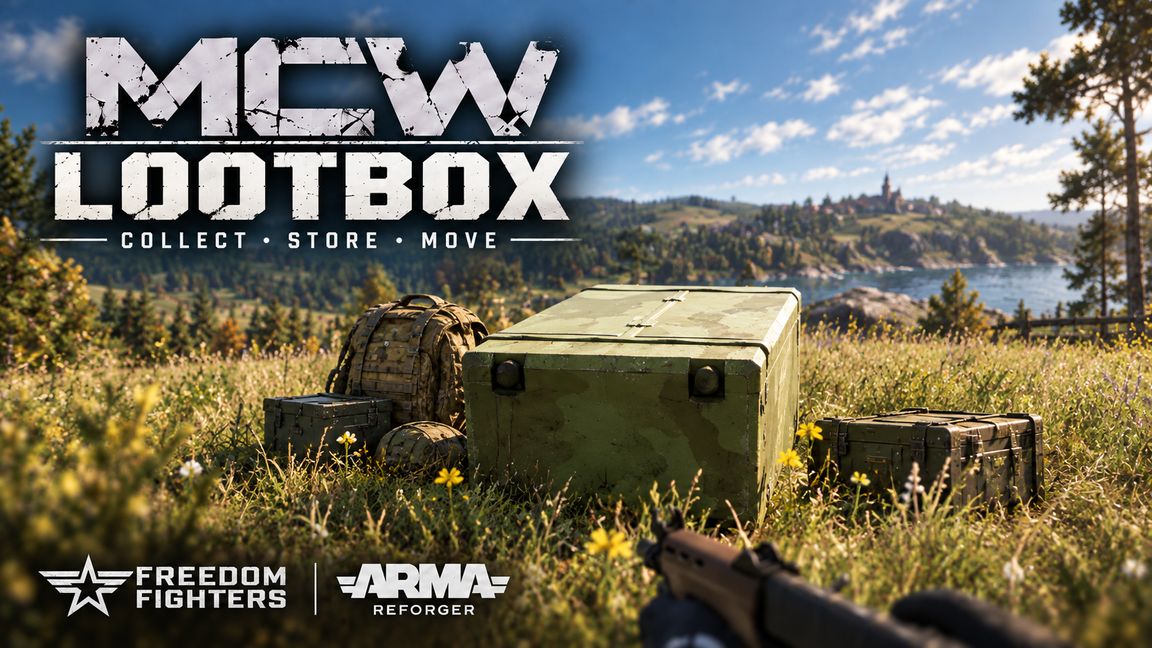
MCW LootBox is a reusable battlefield loot collection, storage and transport system with extended integration for Freedom Fighters and MCW Arsenal.

Collect equipment from dead characters and supported portable items on the ground, transport it with you, browse stored supplies through a categorized menu, or transfer collected equipment directly into shared MCW Arsenal stock.

HOW IT WORKS

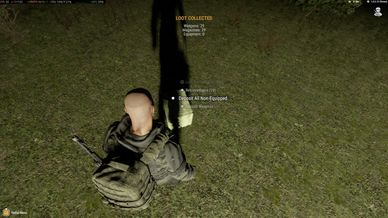
• Loot Surroundings collects eligible equipment from nearby dead characters and supported portable ground items.

• Structures, vehicles, mounted weapons, other LootBoxes and unsupported world objects are ignored.

• Stored or attached equipment is protected from being incorrectly treated as loose ground loot.

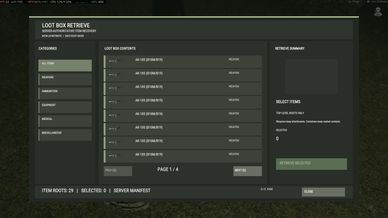
• Collected equipment can be browsed through the Retrieve Items menu with category filters and pagination.

• Items are restored through the normal inventory system when retrieved.

• LootBoxes can be loaded into supported vehicles for transport.

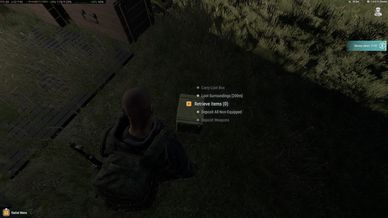
• Unload From Vehicle is available through the vehicle interaction menu, including enclosed vehicles.

• With MCW Arsenal installed, collected equipment can be transferred directly into shared Arsenal stock.

MCW ARSENAL INTEGRATION

MCW LootBox works together with MCW Arsenal to provide a complete battlefield logistics loop:

Collect → Transport → Transfer → Store → Retrieve

Transfer All and category-based transfer actions can move LootBox contents into a nearby MCW Arsenal.

MCW Arsenal is optional for Arsenal transfer functionality, but normal LootBox collection, storage and retrieval remain part of the LootBox system.

REQUIREMENTS

• Arma Reforger
• Freedom Fighters
• Enfusion Persistence Framework
• Enfusion Database Framework

Optional / Recommended:

• MCW Arsenal

The server and all clients must use the same required mod set.

QUICK START

1. Obtain and place a LootBox.
2. Use Loot Surroundings near dead characters or dropped equipment.
3. Allow collection to finish.
4. Open Retrieve Items to browse stored equipment.
5. Select the equipment you want and retrieve it into your inventory.
6. Load the LootBox into a vehicle when transport is needed.
7. With MCW Arsenal installed, use the available transfer actions near an Arsenal to move collected supplies into shared stock.

Use Retrieve Items to browse LootBox contents instead of opening the full native inventory.

KNOWN ISSUES & LIMITATIONS

• Unknown or unsupported modded ground props are intentionally ignored.

• Some heavily modified items may encounter inventory, persistence or retrieval compatibility issues.

• Retrieval depends on available inventory space and compatible inventory slots.

• Very large inventories or heavily modded multiplayer environments may still have an additional performance cost.

• Direct transfer support is designed around MCW Arsenal and compatible LootBox destinations. Other Arsenal systems are not automatically supported.

CREDITS

Freedom Fighters:
JohnnyKerner — original creator of Freedom Fighters.

Special thanks to JohnnyKerner for creating and maintaining Freedom Fighters, which provides the campaign framework and gameplay environment that MCW LootBox has been developed and extensively tested alongside.

MCW LootBox:
System development — Lak1z
3D model development — Leoxx

BUG REPORTS & FEEDBACK

Join the MCW Discord:
https://discord.gg/WAu8EWggUq
License
Arma Public License (APL)