Summary
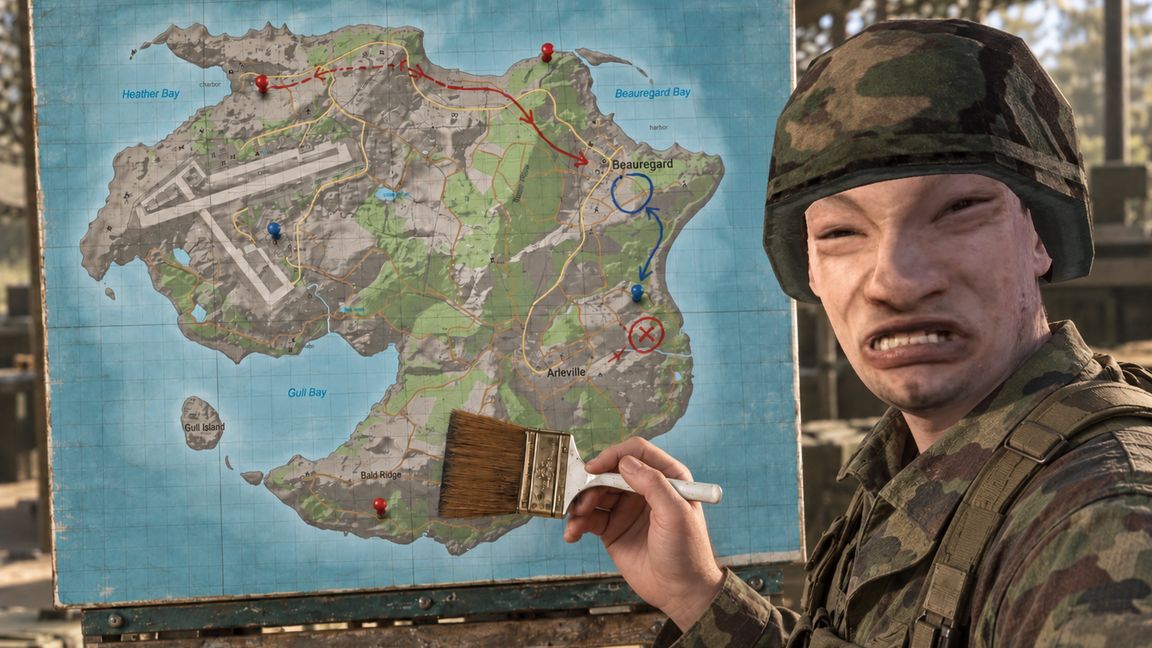
Draw directly on the in-game map with a brush, straight-line tool, and eraser. Use the tools to mark routes, objectives, and tactical notes for your team.
Description
1 or Numpad 1 - Select the brush. Press again to turn drawing off; press once more to turn it back on.
2 or Numpad 2 - Select the straight-line tool. Press again to turn drawing off; press once more to turn it back on.
Hold Shift - Temporarily use the eraser. Release Shift to restore the previous tool and its enabled state.
Hold left Ctrl - temporarily use the continuous line tool.
C - Open or close the color picker beside the cursor.
Left mouse button - Draw or erase on the map. For a straight line, click and drag from its start point to its end point.
Toolbar buttons - Select the brush, line, or eraser. Click the selected tool again to turn drawing o
License
Arma Public License (APL)