Summary
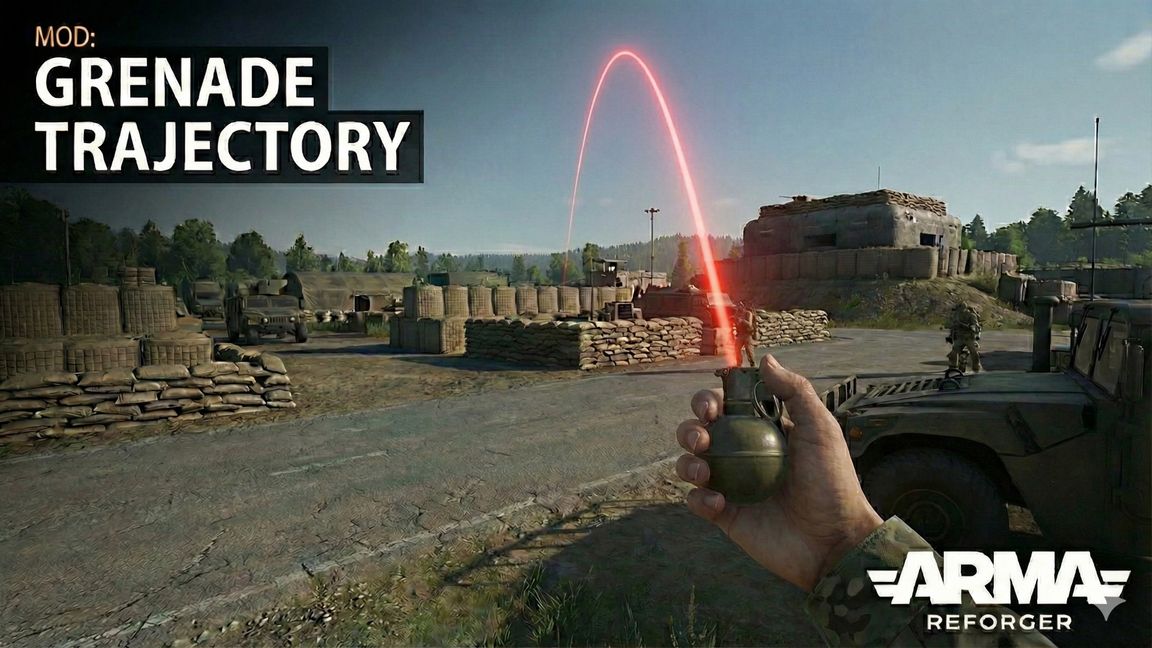
Stop guessing, start hitting.
Description
Adaptive Physics: Custom profiles for M67 vs. RGD-5 for maximum accuracy.
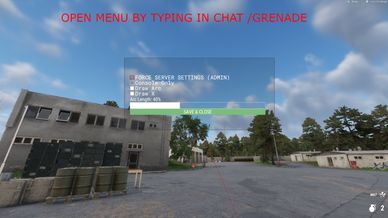
Console-Only Mode (New!): Level the crossplay playing field by restricting the trajectory HUD exclusively to console players. NEEDS TO BE ENABLED IN WORKBENCH
Difficulty Tuning (New!): Server hosts can adjust the length of the arc line (e.g., only show the initial 30% of the throw direction) instead of revealing the perfect landing spot. NEEDS TO BE ADJSUTED IN WORKBENCH
Toggleable Impact Marker (New!): Choose whether to show or hide the final 'X' impact marker on walls and terrain for hardcore balancing.
Momentum Support: Automatically adjusts for player movement speed.
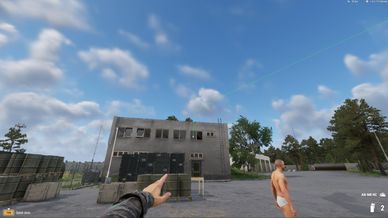
Color-Coded: Red for Frags, Green for Smokes.

Server hosts and modders can easily customize the trajectory difficulty to fit their server's playstyle directly within the Workbench.

Open the Arma Reforger Workbench and locate your character prefab (e.g., Character_Base.et or your specific faction's character prefab).

Open the prefab and select the MOD_GrenadeTrajectoryHUDComponent from the components list.

In the Object Properties panel, scroll down to the UI category to find the following new attributes:

Console Players Only: Check this box to completely disable the HUD for PC players, leveling the playing field for controller users.

Arc Line Length (%): Use the slider to determine how much of the trajectory is revealed. Set to 1.0 for the full path, or drop it down (e.g., 0.3) to only show the initial throwing direction without revealing the exact landing spot.

Draw Impact Marker (X): Uncheck this box to hide the crosshair at the final landing destination for a more unpredictable experience.

Save your Prefab to apply the changes!
License
Arma Public License (APL)