Summary
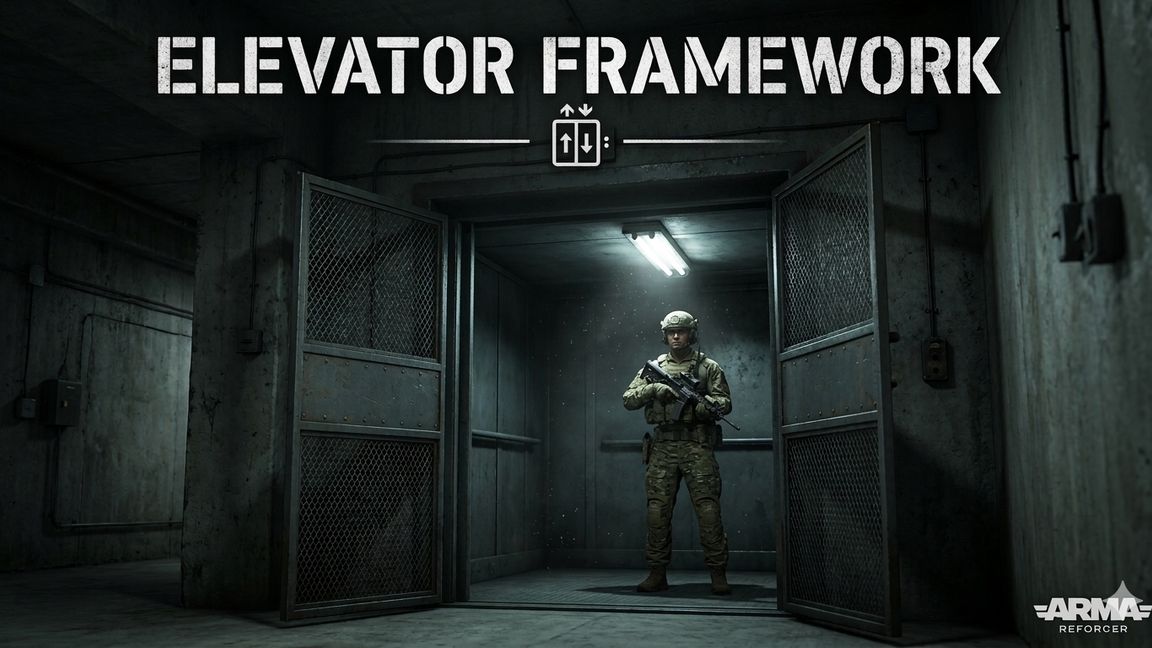
Fully functional multiplayer elevator framework for Arma Reforger. Features smooth movement, door sync, floor displays, call buttons, sound effects, and dead body handling.
Description
PZ Elevator Framework

A complete, production-ready elevator system for Arma Reforger. Drop it into any map, configure your floors, and you have a working multiplayer elevator with smooth movement, synchronized doors, floor displays, sound effects, and more.

Core Features

The framework is fully server-authoritative with client replication. The server controls all movement, door states, and floor tracking. Clients receive smooth position updates and synchronized door animations. Everything works seamlessly in both singleplayer and dedicated multiplayer environments.

Elevator movement uses smooth hermite interpolation for natural acceleration and deceleration. Speed, door open duration, and door-close-to-move delay are all configurable per elevator system. Multiple elevators can run independently on the same map with no performance concerns — each identified by a simple string ID that ties all its components together.

Modular Component Design

The system is built from small, focused components that you combine on your prefabs:

ElevatorSystemComponent: The brain. One per elevator. Manages floors, carts, and dispatches requests. Supports multiple cart strategies (nearest idle or nearest any).
ElevatorCartComponent: The moving platform. Handles movement interpolation, door control, sound playback, and body synchronization. Attach to your elevator car prefab.
ElevatorFloorMarkerComponent: Place one per floor to define stop positions. By default only the Y height is used (shaft XZ comes from the system entity), but full XYZ mode is available for non-vertical shafts.
ElevatorButtonComponent: Call buttons. Can inherit their floor index and elevator ID from a parent floor marker, or be configured standalone.
ElevatorDisplayComponent: Render-target screen on the elevator car showing the current floor number and directional arrows.
ElevatorFloorDisplayComponent: Render-target screen at each floor landing showing directional arrows when the elevator is in transit.
ElevatorRegistryComponent: A singleton on your GameMode that lets all components find each other by elevator ID.
User Actions

Two user action classes handle player interaction:

ElevatorCallUserAction: For landing call buttons. Players interact to summon the elevator to their floor.
ElevatorSelectFloorUserAction: For the interior panel. Supports one action per floor, automatically hides floors that don't exist in the system.
Sound System

Three sound events are supported out of the box:

SMOOTH_JAZZ: Ambient elevator music that plays continuously and follows the car's position.
ELEVATOR_MACHINERY_LOOP: Mechanical loop that plays only while the elevator is actually moving (not during door operations).
FLOOR_BEEP: A one-shot chime when the elevator arrives at a floor.
All sounds use the cached SoundComponent and update their world-space transformation each frame so audio positioning stays accurate as the car moves.

Dead Body Handling

The engine doesn't natively support keeping ragdolled physics bodies on a moving platform. This framework solves it with a two-layer approach:

First, during movement, a per-frame AABB query finds any dead or incapacitated characters within the elevator bounds and teleports them by the same delta the elevator moved that frame. This keeps resting bodies smoothly riding along.

Second, when the elevator arrives at a floor, a recovery scan checks the entire shaft column (from below the ground floor to above the top floor) for any bodies that may have fallen through during active ragdoll. Bodies at rest outside the elevator are teleported back onto the platform. A delayed follow-up scan 3 seconds later catches bodies that were still settling.

Setup

Add PZ_ElevatorRegistryComponent to your GameMode entity.
Place a system entity with PZ_ElevatorSystemComponent and configure your elevator ID, speed, and door timing.
Place floor marker entities at each stop with PZ_ElevatorFloorMarkerComponent.
Set up your elevator car prefab with PZ_ElevatorCartComponent, RplComponent, Hierarchy, doors, sound, and optionally PZ_ElevatorDisplayComponent for the screen.
Add call buttons at each landing and floor select actions inside the car.
Optionally add PZ_ElevatorFloorDisplayComponent to floor landing screen panels.
All components auto-register with the system via the registry using matching elevator IDs. Registration includes retry logic so load order doesn't matter.
Discussion and bug reports can be had in official ARMA discord showcases channel.
License
Arma Public License No Derivatives (APL-ND)