Summary
**WARNING: I'm getting different results on different maps with this tool if you use it make sure to make backups of your projects. (Fixed) works great but still use with caution!
Description
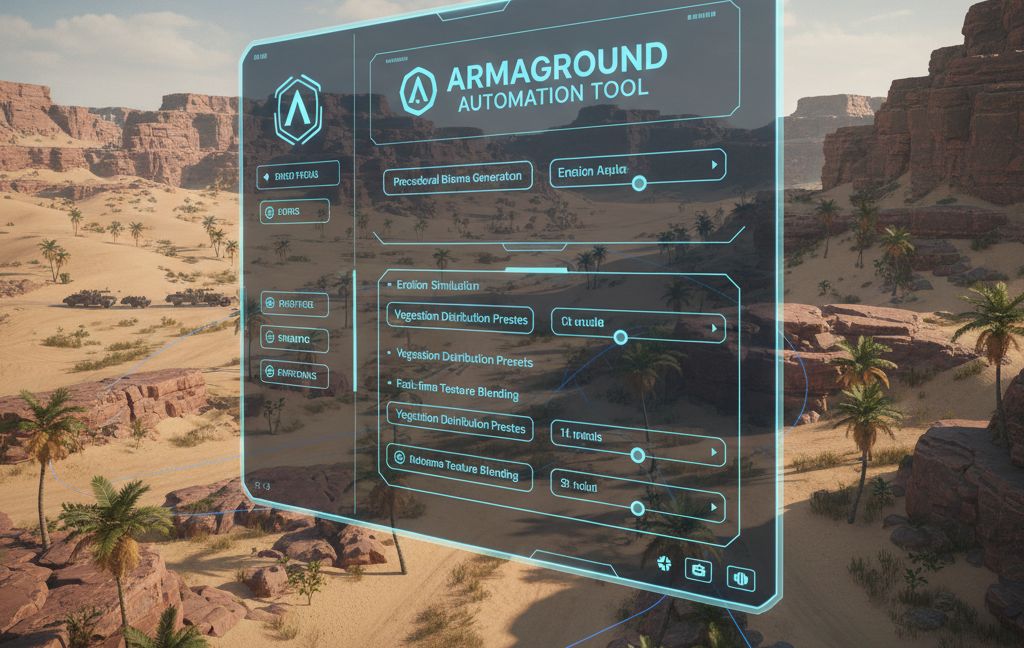
Terrain Automation — 10 World Editor tools for fast, natural terrain decoration.
GENERATION TOOLS
Auto-Decorator — Scatter prefabs with Poisson disk distribution. Weighted palette system with per-prefab scale, spacing, slope filtering, and collision avoidance. Save/load presets. Works on selection box or entire terrain.
Terrain Randomizer — One-click terrain population. Analyzes slope, altitude, and water proximity to assign contextual prefabs across terrain zones automatically.
Biome Painter — Click and drag to paint biomes. 6 built-in templates (Temperate Forest, Pine Forest, Tropical, Arid, Grassland, Mixed) with multi-layer vegetation (canopy, understory, ground cover, rocks). Ctrl+Scroll to resize brush.
Path Decorator — Click to place waypoints, generate Catmull-Rom spline paths. Scatter prefabs along corridors with rotation modes (Along Path, Perpendicular, Random) and multi-row support.
Elevation Band Tool — Define altitude bands (Shore, Lowland, Midland, Highland, Alpine) with unique prefab sets per band. Load defaults or customize ranges, spacing, and density.
EDITING TOOLS
Entity Eraser — Brush-based deletion. Filter by name, current layer, or erase all. Drag to continuously erase. Ctrl+Scroll for radius.
Density Painter — Thin or thicken existing decoration. Thin mode removes a percentage; Thicken mode spawns more of the same prefab types found nearby. Hold SPACE to toggle modes.
Object Replacer — Batch-replace selected entities with a different prefab. Optional source filter, keep/randomize transforms, preview match count before replacing.
Forest Featherer — Select a group of trees, auto-detect edges via neighbor density, then thin and shrink edge objects for natural forest boundaries.
Corridor Clearance — Click waypoints to define a spline path, then clear all entities within the corridor. Configurable width and buffer zone with gradual thinning. Perfect for roads and rivers.
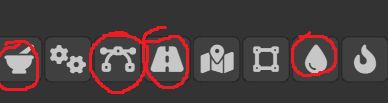
All tools support full undo (Ctrl+Z), skip terrain entities, and run directly in the World Editor side panel.

contact me on discord for any bug feedback: gaz8157
License
Arma Public License (APL)