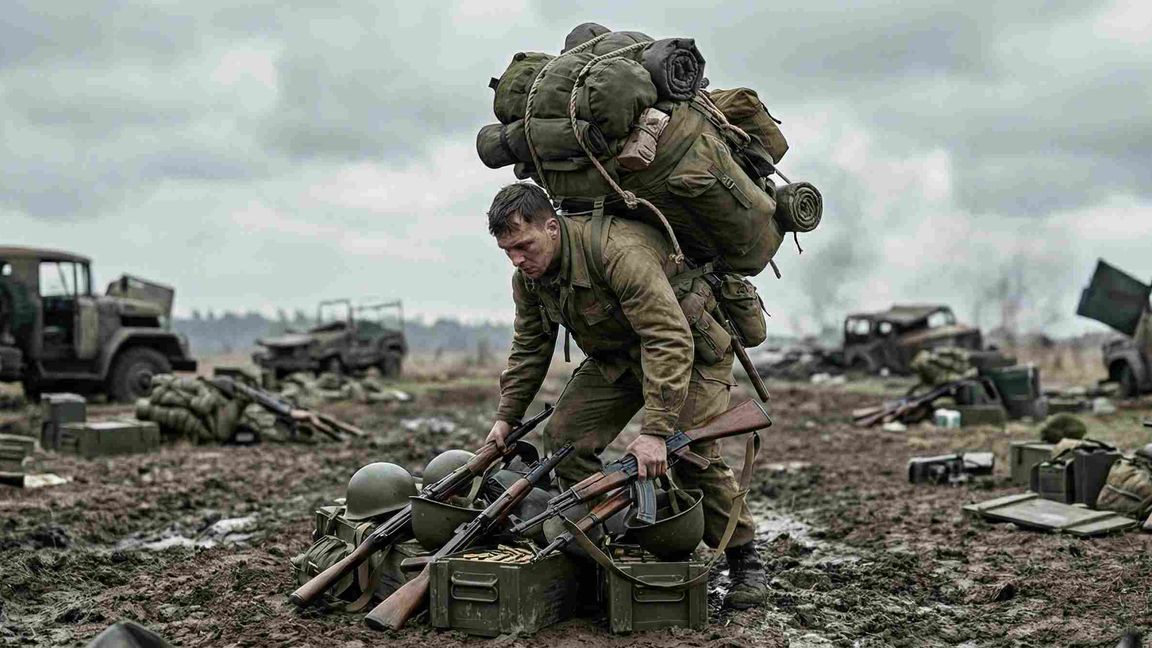
Summary
Keep your servers clean and improve performance with automatic cleanup zones!
Description
# GTG Treasure Collector - Automatic Item Removal


Keep your servers clean and improve performance with automatic cleanup zones!


## 🎯 What does this mod do?


This mod adds configurable cleanup zones that automatically remove items from the ground. Perfect for:


✅ **Spawn Areas** - Keep respawn points free from equipment clutter
✅ **Bases & Outposts** - Prevent item accumulation after battles
✅ **High-Traffic Areas** - Reduce lag from too many items
✅ **Event Zones** - Automatic cleanup after events
✅ **Server Performance** - Fewer items = better FPS


## ⚙️ Features


### Configurable Parameters
- **Radius**: 10m to 500m+ (freely adjustable)
- **Scan Interval**: How often the zone scans for items (seconds)
- **Delete Delay**: Time items must be on the ground before deletion (minutes)
- **Item Filters**: Remove only specific items (weapons, magazines, etc.)
- **On/Off**: Zones can be activated/deactivated


### Intelligent Item Detection
- Detects **Weapons** (rifles, pistols, etc.)
- Detects **Magazines & Ammunition**
- Detects **Clothing** (helmets, vests, uniforms)
- Detects **Equipment** (backpacks, radios, etc.)
- **IMPORTANT**: NEVER deletes players, vehicles, or critical objects!


### Editor Integration
- Easy to place in World Editor
- Visual feedback (circle visualization in Play mode)
- All parameters adjustable directly in Inspector
- Bounding box shows zone size in Editor


### Debug Functions
- Debug mode with visual representation
- Perfect for testing and optimization


## 🎮 Usage


### Simple Zone (Remove Everything)
```
1. Place "ItemCleanupZone" in Editor
2. Set Radius: 50m
3. Set Scan Interval: 30 seconds
4. Set Delete Delay: 5 minutes
5. Items on ground for 5+ minutes will be removed
```


### Filter Zone (Weapons Only)
```
1. Place "ItemCleanupZone"
2. Enable "OnlyWeapons" checkbox
3. Only weapons will be removed, rest stays
```


### Debug Mode (For Testing)
```
1. Enable "DebugMode" checkbox
2. Press F5 (Play in Editor)
3. See green circle around the zone
4. Console shows detailed info
```


## ⚠️ Important Notes


### What is NOT deleted:
- ✅ Players (100% safe!)
- ✅ AI/AI Soldiers
- ✅ Vehicles (all types)
- ✅ Items in inventories
- ✅ Items in boxes/containers
- ✅ Buildings & structures
- ✅ Triggers & gameplay objects


### What gets deleted:
- ❌ Items lying on the ground (after configured delay)
- ❌ Dropped weapons (after configured delay)
- ❌ Scattered clothing (after configured delay)
- ❌ Magazines & ammunition on ground (after configured delay)
- ❌ Equipment not being carried (after configured delay)


### How the delayed deletion works:
- The zone **scans** for items at regular intervals (e.g., every 30 seconds)
- Found items are **tracked** with a timestamp
- Items are only **deleted** after they've been on the ground for the configured time (e.g., 5 minutes)
- This prevents accidental deletion of items just dropped in combat
- Memory-efficient tracking system prevents performance issues on long-running servers


### Performance Tips:
- Not too many zones (max. 10-15 per map)
- Not too short intervals (min. 30 seconds)
- Not too large radii (optimal: 50-200m)
- Disable Debug mode on live servers


## 🐛 Troubleshooting


**Items not being removed?**
- Check if "Active" is enabled
- Increase radius (zone too small?)
- Wait for the interval (e.g., 60 seconds)
- Enable Debug mode for testing


**Performance issues?**
- Reduce number of zones
- Increase interval (60+ seconds)
- Decrease radius
- Disable Debug mode


**Zone not visible in Editor?**
- Press F5 (Play in Editor) for circle visualization
- In static Editor you only see icon/bounding box
- This is normal and intended


## 📞 Support & Feedback


Found a bug? Have suggestions for improvements?
- You can find me on the GTG - German Tactical Group Discord Servers


Feedback are always welcome! ⭐
License
Arma Public License (APL)