Summary
Original: Hardcore FOV
Releases Version: 1.1.2
Compatible Game Version: 1.7.0.41
Discord: https://discord.gg/ZyWSWcQTyz
Please contact me if you encounter any problems or have any thoughts.
Description
1. Hardcore Settings
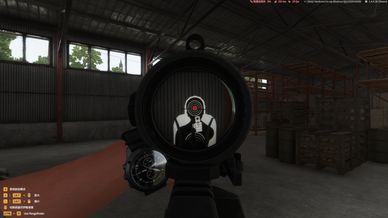
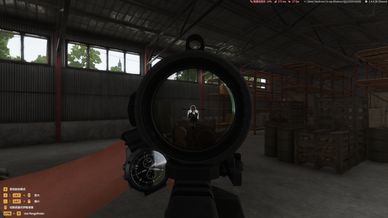
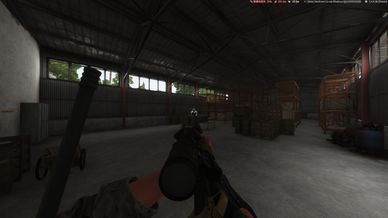
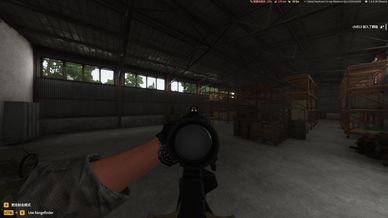
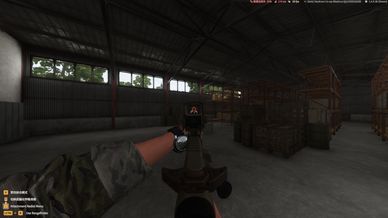
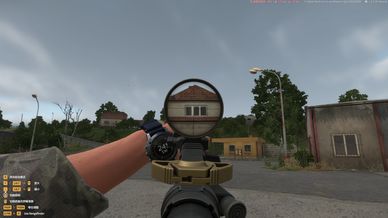
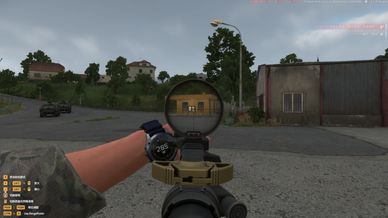
 - 1.1 FOV Limit (90°)
 - 1.2 FOV Zoom Limit
 - 1.3 FOV Adjustment Restrictions
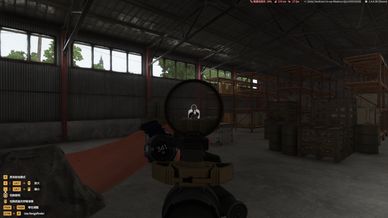
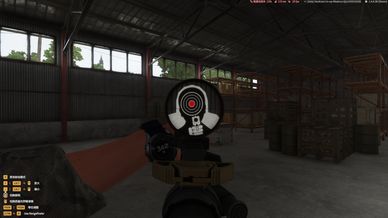
 - 1.4 ADS & PiP FOV Restrictions
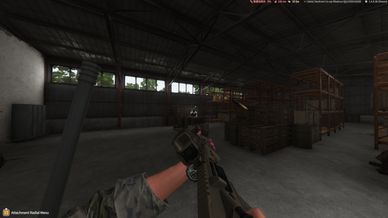
 - 1.5 Remove Player Name Tags
 - 1.6 Remove Voice Chat Indicators
 - 1.7 Remove Weapon Info Display
 - 1.8 Remove Action Prompts
 - 1.9 Remove Hints Info Display
2. HDR Transition Fixes
3. Disable Respawn Rights for Incapacitated Players
4. Override Menus
 - 4.1 Loading Screen
 - 4.2 Pause Menu
 - 4.3 Player List
 - 4.4 Game Settings
5. Save character entity upon disconnection.
6. Voice commands disabled while unconscious.
7. Do not remove map markers after disconnecting.
8. Disable personal location and squad location markers on the map.
9. Modification of the maximum number of map markers allowed (m_iPlacedMarkerLimit 10 -> 100)
10. Maximum display distance for player name tags is 10m.
11. Player name tags can be configured on the server side. (Default: Disable player name tags) Modification request submitted by player [23CB] SSG. Hydra.
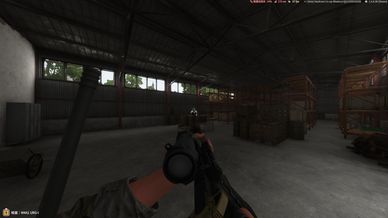
12. Realistic weapon sling. (Needs BEEF Sling Slot)
 - Compatible with CDD Darkline Core
 - Compatibility Note: Simply insert the Sling item into the ZEL_Sling Slot.

The FOV setting UI allows for adjustment within the full range (0–100%), but the actual maximum value is capped at 30%. The UI itself does not enforce this limit—as it is not a critical issue—but the effective maximum remains 30%.

If you have any better suggestions or ideas, please leave me a message!

Discord: https://discord.gg/ZyWSWcQTyz
License
Arma Public License No Derivatives (APL-ND)