Summary
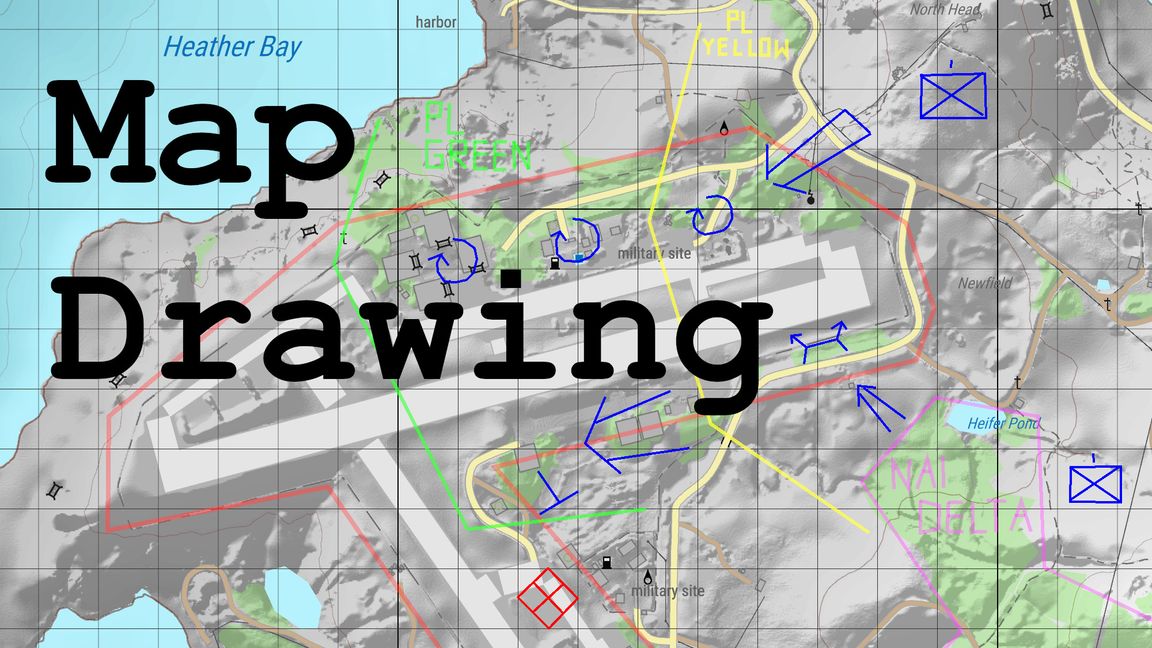
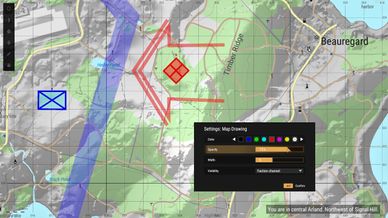
Map Drawing allows players to freely draw onto the map.
Description
Features:
- Freely draw polylines onto the map, a tool invaluable for tactical planning
- Customize colors, width and opacity in a fully localized GUI
- Robust technical design, highly optimized for multiplayer
- Determine drawing visibility by choosing between faction, global and private mode

Demonstration video: https://youtu.be/-0o8caRfvMg

Usage:
- To enter drawing mode, start and keep holding Shift (right D-Pad)
- Briefly left click (A button) onto the map to start your drawing
- Move your cursor and left click again to draw a line segment
- Keep drawing segments until your drawing is complete
- You can undo previous segments by pressing middle mouse button
- When you are done, release Shift to finish the drawing
- To see author and creation time, press middle mouse button while hovering over a drawing
- Similarily, press the delete key to remove a drawing

Tool settings are adjusted in a GUI accessible through the maps existing radial menu.
Note that this radial menu is only available while controlling a character (limitation of the base game), however there are also chat commands (/draw-help) as a fallback input method.

The mod also includes a document readable in the Script Editor (TILW_MapDrawingDocs.c) that explains technical design and several key optimizations, so that interested modders can easily understand and learn from it.

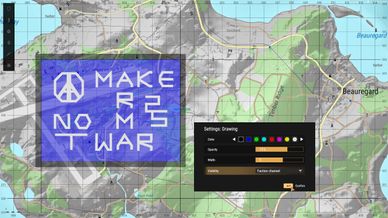
Under a different Workshop item, this mod is my submission for Make Arma Not War 2025.

Discord thread: https://discord.com/channels/105462288051380224/1378020860329459852
License
Arma Public License No Derivatives (APL-ND)