Summary
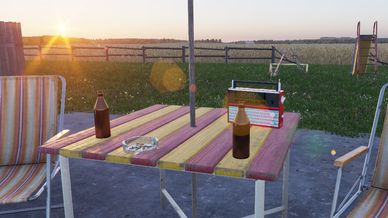
Imports select music from the hit games Vietcong , Vietcong: first alpha , and Vietcong 2 for use with the in game radios on your custom maps.
Description
Radios in everon should play the music.

If you want to use it on a custom map follow these directions.

1. Spawn a radio
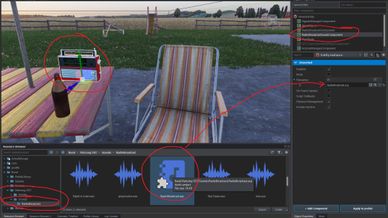
2. Select the radio prop in the world and go to "radiobroadcastsoundcomponent" in the object properties menu
3. Drag the new Radiobroadcast.acp file into the slot in object properties , or simply browse to find it.
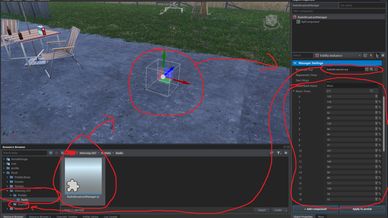
4. Drag the new Radiobroadcastmanager.et file into the world.
5. Go to object properties and make sure the radiobroadcast.acp file is the new one.
6. The music time numbers should look like the screenshot. If they say something like -1 , hit the regenerate times button until they do.
7. You should be able to spawn in the world and listen to the music on the radio.