Summary
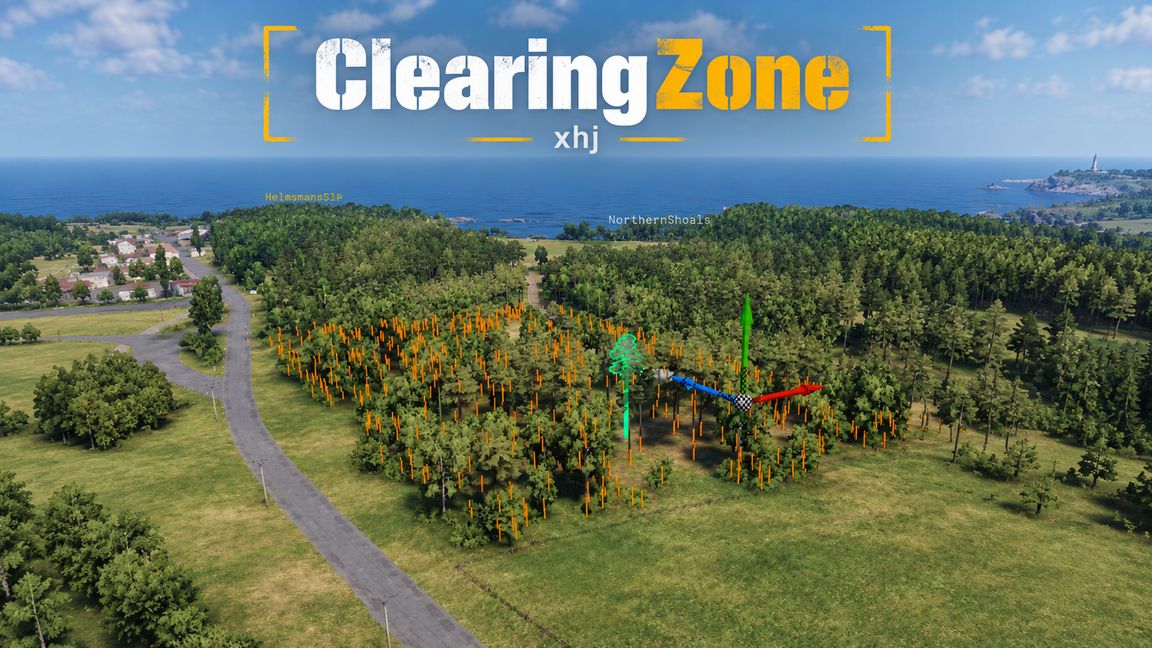
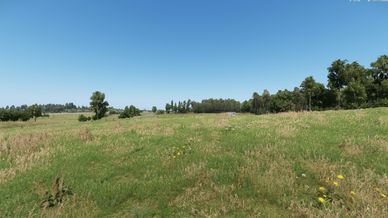
Clear trees, bushes, rocks, buildings and props from any map with one placeable zone. Works in scenarios, Game Master and on dedicated servers, no game mode needed.
Description
Clearing Zone removes trees, bushes, rocks, buildings, props and wrecks from maps you can't edit, like Everon, Arland or any modded terrain. Nothing is actually deleted. Objects are hidden, sunk underground and their collision is turned off, so your map files are never touched and big areas won't crash. It works in Workbench, in scenarios and on dedicated servers, with or without a game mode. It can't remove grass painted onto the terrain, and AI may still walk around cleared trees because the navmesh is baked with them in it.

How to use it

Add Clearing Zone to your project's dependencies.
Make your world a sub-scene of the map you want to change.
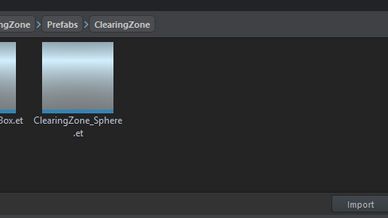
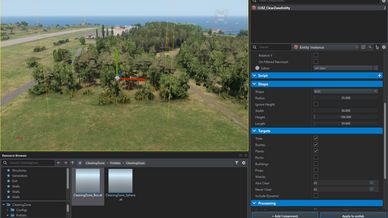
Drag ClearingZone_Sphere or ClearingZone_Box from Prefabs/ClearingZone into your layer.
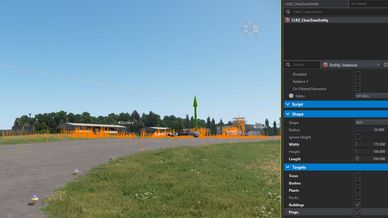
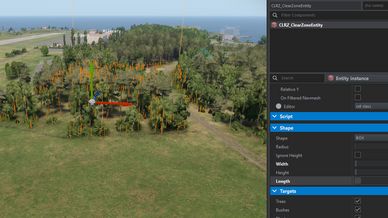
Set the size and tick what you want cleared. Use "Ignore Height" on hills, and "Also Clear" or "Never Clear" for exceptions.
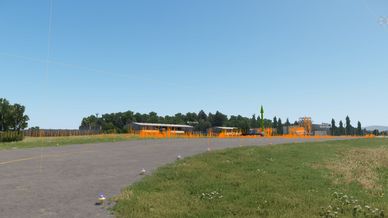
Select the zone to preview what it will clear, then press play.

GM Usage (WIP)
Open the Game Master content browser and look under Systems. Place a vegetation zone (25, 50 or 100 m) or the 50 m "clear everything" zone. Everything inside disappears for every player, and deleting the zone brings it all back.

License
Clearing Zone is released under the Arma Public License - No Derivatives (APL-ND). You're free to use it in your scenarios and on your servers and to add it as a dependency, but don't edit, repack or reupload it. If you want to build on it or include it in something of your own, message me and ask.
https://www.bohemia.net/community/licenses/arma-public-license-nd
License
Arma Public License No Derivatives (APL-ND)