Summary
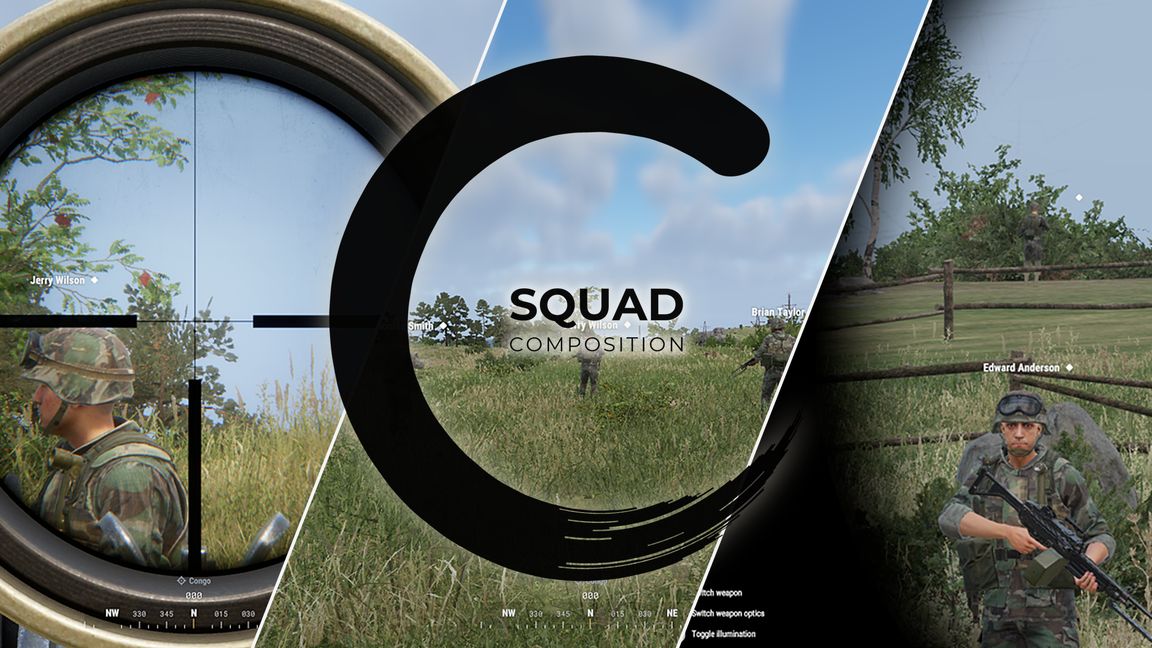
Squad layer for Reforger: team colours and roles (auto from gear), Sections, a compass HUD with your group list, expanded ~ order wheel, and name tags that work seamlessly with custom name mods.
Description
A squad layer for Arma Reforger: team colours and roles, larger Section groups, an on-screen compass with your group list, a squad order wheel and better name tags. It used to be part of Congos Tactical Graphics and now runs on its own.

Team colours and roles
- The group leader sets each member's team colour and role from the vanilla Group menu: pick "Colour and role" on a member and choose from the colour swatches and role icons.
- Members start grey until the leader gives them a colour.
- A member with no role from the leader gets one from their gear: Medic, Radio Operator, Automatic Rifleman, Marksman, Engineer, Anti Tank or Grenadier, otherwise Rifleman.
- Only your own group sees your colours and roles. Everyone else sees your members in grey.

Sections
- A group can be a Default group (up to 15) or a Section (up to 22).
- Sections add White and Purple teams and the Platoon Leader and Platoon Sergeant roles.
- A pick that breaks the Section's limits is greyed out, and the menu says why.

Compass and group list
- A compass at the bottom centre of the screen, with your group listed in columns above it in team colours with role icons.
- By default it shows only while you carry a compass. Servers can change that.

Order wheel (~)
- AI Commands: vanilla's AI commands, for the group leader.
- Movement and Maneuver: form wedge, line, column, vee, diamond and staggered column, follow me, halt, get in and get out.
- Squad Actions: return fire, fire at will, hold fire, suppressive fire, heal, defend, assault, seek cover, fall back and overwatch.
- Leaders give the orders, and the members who receive one get an on-screen notice.

Name tags
- Tags show the team colour and the role icon.
- They stay visible through rifle scopes, vehicle gunner sights and night-vision sights, by day and at night.
- Range from 100 to 1000 m (the base game stops at 100).
- Tags can sit above the head or at center mass.
- Line of sight option: on, a tag shows only while you can see that player; off, every tag in range shows, through walls too.

Player options
Settings > Congo's Mods > Squad Composition: compass, group list, role icons, name tag position, name tag distance and name tag line of sight. Choices are saved between sessions.

Server settings
The file is profile/CongosSquadComposition/ServerSettings.txt and is read when a mission starts.
- PlayerCompassRequired: true or false.
- Compass, GroupList, RoleIcons, NameTagPosition, NameTagDistance and NameTagLineOfSight: set to "player" to let each player choose, or to a value to lock it for everyone. A locked option shows "(set by server)" in the player's menu.

Compatibility
- Congos Tactical Graphics: with both loaded, CTG's map and roster show CSC's team colours and role icons. Neither mod needs the other. Use the CTG version released alongside CSC; older CTG 3.0 builds still have their own squad layer.
- COALITION Squad Interface: if it is loaded, CSC turns itself off so you don't get two squad systems.
- Custom names: CSC shows the names that naming mods set, in the compass list, name tags, Group menu and order notices.
- Modders: CSC has open hooks you call by name, with no dependency. You can ask a player's team, role or group type, register a name source, and listen for squad changes, group type changes and orders.
License
Arma Public License (APL)