Summary
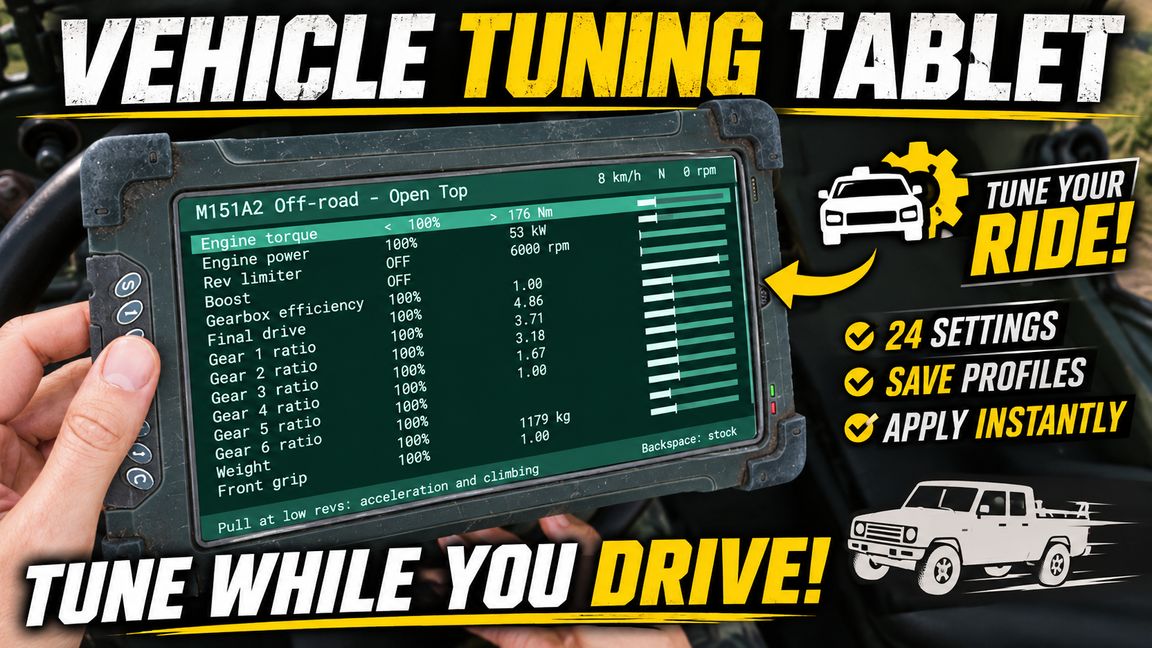
Tune your vehicle while you drive with a handheld tablet: engine, gear ratios, rev limiter, grip, suspension and brakes. Save setups as profiles and copy one car's stats onto another.
Description
TUNING TABLET

Get in any wheeled vehicle, take the tablet out and change how it drives while you drive. Changes apply instantly, and everyone else in the vehicle gets them too.

WHAT YOU CAN TUNE (24 settings)
Engine: torque, power, rev limiter, boost
Drivetrain: gearbox efficiency, final drive, each gear ratio (1-6)
Chassis: weight, front grip, rear grip, traction, spring stiffness, damping, suspension travel, anti-roll, downforce
Brakes: brake torque, extra brakes, speed limiter

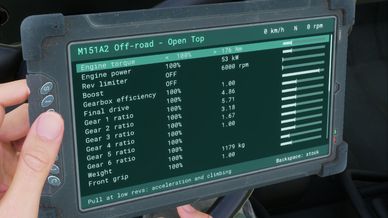
Every setting shows its percentage, the vehicle's stock value and your tuned value side by side, for example "110%   172 -> 189 Nm".

PROFILES
- 8 save slots, stored on your own PC, so they follow you to every server
- Clone a vehicle: save its setup in one car, get in another and load it
- Load as STATS: the new vehicle is tuned to match the saved one's engine, grip and weight (as far as the limits allow)
- Load as CHANGES: the new vehicle gets the same percentages as the saved one

Your profiles are in:
Documents\My Games\ArmaReforger\profile\TuningTablet\profiles.txt
Open it sometime. There's a little something in there.

CONTROLS (tablet in hand, sitting in a vehicle)
Up / Down - pick a setting
Left / Right - change it
Backspace - put a setting back to stock / go back
Enter - open profiles, save, load, delete

WHERE TO GET IT
In the arsenal for US, USSR and FIA.

NOTES
- Wheeled vehicles only (cars, trucks, wheeled APCs)
- The rev limiter can only lower the engine's maximum revs, not raise it
- Tunes reset when the vehicle is destroyed or the server restarts; saved profiles do not
License
Arma Public License (APL)