Summary
WARNING: THIS MOD REQUIRES A LAUNCH OPTION.
Manage your Arma Reforger mod list in-game: reorder, toggle, save profiles, and see the load order the engine actually uses.
Description
WARNING: THIS MOD REQUIRES A LAUNCH OPTION.

Right-click Arma Reforger in Steam, choose Properties, and put this in Launch Options:

-addons BetterModManager

Without it the mod will not appear. The reason is not a bug: the main menu is built before any mod loads, so a mod that changes the main menu cannot switch itself on. It has to be named in the launch options.

If you use other mods that also need this option, list them together, separated by commas, for example:

-addons BetterModManager,SomeOtherMod

The mod must be downloaded through the Workshop. It is installed into:
Documents\My Games\ArmaReforger\addons


BETTER MOD MANAGER

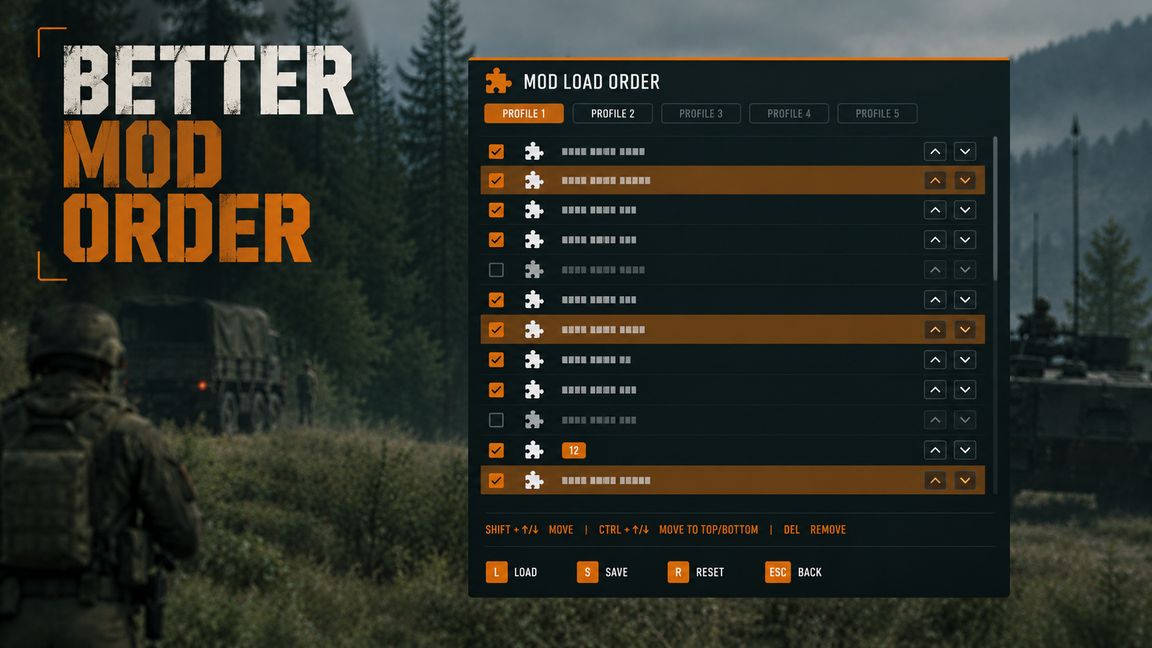
The vanilla Mod Manager lets you switch mods on and off. It does not let you see or control the order they load in. This mod adds that missing screen.

WHAT IT DOES

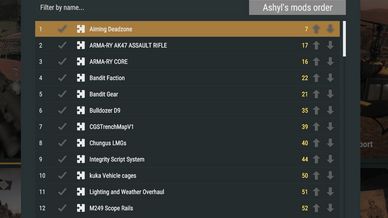
- One ordered list of every installed addon, in the familiar Arma list style.
- Reorder with the arrow keys, or with the up/down buttons in each row.
- Toggle single mods, or select a whole block and switch them all at once.
- Save profiles and switch between them with one click.
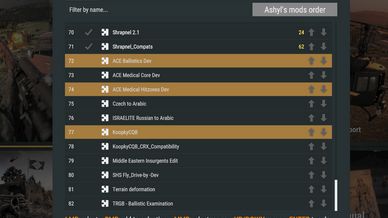
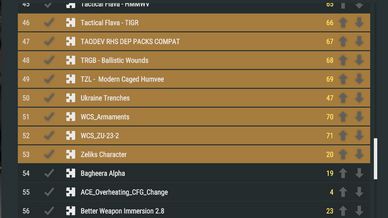
- See the real load order next to the one you arranged.
- Filter by name when the list gets long.
- One button to move all of the author's mods to the end of the list.

CONTROLS

Left click      select a row
Right click     add or remove a row from the selection
Middle click    select everything from the last click to this one
Up / Down       move the selection
Enter           toggle the selected mods

Right and middle click replace Ctrl and Shift click. Modifier key state is not available to game-mode scripts in 1.8, so these are the gestures that actually work.

WHERE TO FIND IT

An "Order" button in the top bar of the main menu, and the same button in the Workshop screen, next to the vanilla mod presets button.

READ THIS BEFORE YOU EXPECT THE ORDER TO CHANGE ANYTHING

Arma Reforger does not let a mod control load order. The engine sorts addons by the dependencies declared in each addon's .gproj file. Between two mods that do not depend on each other, the order is arbitrary and cannot be forced from script.

This was measured, not assumed: a reload requested with a deliberately reversed addon list came back in a different order, and a five-addon command line was reordered as well.

So this mod is honest about what it can do:

- It CAN switch mods on and off, and that part works reliably.
- It CAN save and restore which mods are enabled, as named profiles.
- It CAN show you the order the engine actually used, so you can see when your arrangement was not honoured.
- It CANNOT force that order. No mod can.

The orange numbers in the list are the actual position of a mod when it differs from where you put it. That column is the real answer to "did my order apply?".

NOTE ON THE LAUNCH OPTION

Because the game is started with "-addons", only the named mods are loaded at the main menu. The list will therefore show many mods as installed and enabled while few are actually loaded, and the actual-order column is switched off, with a note in the status line. This is expected. The enabled set still applies normally when you start a scenario.

SAFETY

- This mod never switches itself off.
- Applying a profile never disables a mod you did not explicitly turn off yourself.
- Profiles are stored separately, in $profile:BMM/profiles.json. Your vanilla mod presets are not touched.

REQUIREMENTS

Arma Reforger 1.8 or newer. No dependencies beyond the base game. Client-side only; safe to use in single player, and it does not affect servers.

KNOWN LIMITATIONS

- Load order cannot be enforced (see above).
- The manager works in the main menu and the Workshop screen, not inside a running scenario.
- The mod list is filled in asynchronously by the game. The first click after a cold start may wait a moment for it.

Source and feedback are welcome. If the engine ever exposes a real load-order API, this mod will use it.
License
Arma Public License (APL)